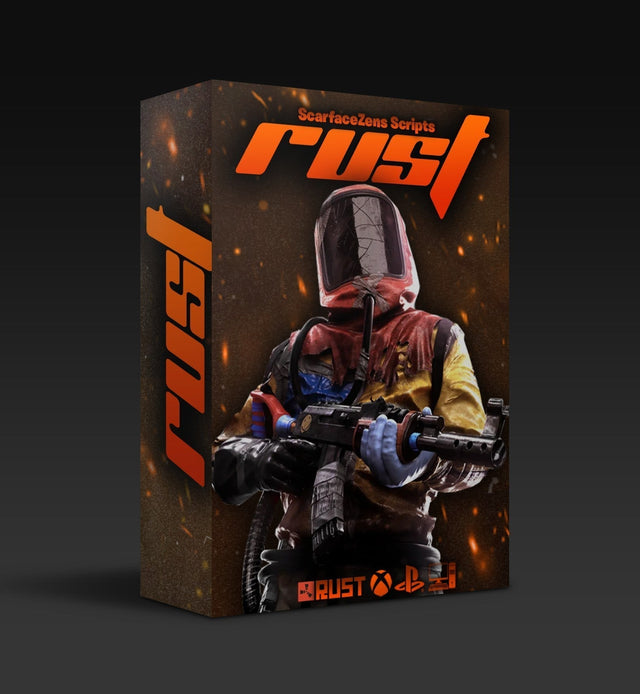
Rust Console Cronus Zen Setup Guide
Every step from unboxed Cronus Zen to holding an AK spray in Rust Console: ports, flashing, weapon selection, and the sensitivity check most people skip.
 ScarZens
Sep 13, 2026
3 min read
ScarZens
Sep 13, 2026
3 min read

Setting up a Rust script on a Cronus Zen takes about ten minutes the first time and about ninety seconds every time after. Most of the ten minutes is the sensitivity check at the end, which is also the step people skip and then blame the script for.
The whole process: flash the script to a memory slot, plug the Zen between your controller and console, pick your weapon and sight on the device, then confirm the counter-pull against your in-game sensitivity on a wall. That is it.
Before you start
- A Cronus Zen, bought separately from the hardware retailer
- The USB cable that came with it, plus a PC or Mac for the first flash
- Your script file. Scar-Rust is delivered instantly after checkout through the Discord bot
- Your current Rust Console in-game sensitivity written down
If the Zen is brand new, update its firmware first. The web tool method is the least painful route and is covered in the firmware update guide.
Step 1: flash the script
Connect the Zen to your computer using the PROG port, open Zen Studio, and load the script into a free memory slot. Compile, then program the device.
The PROG port matters. Using the wrong USB port is the single most common reason a first flash fails, and the ports are explained in Cronus Zen ports explained. If Zen Studio throws an error rather than completing, work through script not loading.
Step 2: wire it to the console
Zen into the console's USB port, controller into the Zen's input port. Power on and wait for the Zen display to show the slot number of the script you flashed.
If the console does not see a controller, that is almost always a port or authentication issue rather than a script problem. The fix list is in Zen not detecting controller.
Step 3: pick your weapon and sight
Scar-Rust carries separate values per weapon, with 4X and Holo variants on the guns that need them, so the device needs to know which one you are holding.
Select the gun on the Zen menu when you change loadout. It takes a second in a safe moment, and it is the trade for values that are actually correct rather than one number stretched across sixteen weapons.
Step 4: the wall test
This is the step that decides whether the script feels right.
- Stand roughly 30 metres from a wall with the gun you play most
- Hold the fire trigger for a full magazine without moving the stick
- A group that climbs means under-correction; a group that walks into the floor means over-correction; a sideways drift means the horizontal value does not match your sensitivity
- Repeat under your other sight
On the shipped defaults at a standard sensitivity this lands without adjustment. If yours is unusually high or low, small changes to your in-game sensitivity are usually a faster fix than editing values.
Get Scar-Rust and skip the tuning session →
Wipe-day routine
Nothing about a wipe changes recoil patterns, so there is no reflash required. What is worth doing is confirming the slot is still loaded and your sight selection matches the guns you will actually hold in the first 48 hours, which are usually the Thompson and MP5 rather than the AK. Our wipe-day checklist covers the rest.
If it stops working mid-session
- Anti-recoil not holding: check weapon profile, then sight, then sensitivity
- Zen disconnecting mid-game: usually cable or port power
- Script not running at all: check the device is not in tournament mode
- Stuck on synchronizing flash: hard reset through the PROG port
FAQ
Do I need a PC every time?
Only for flashing a new or updated script. Day to day the Zen runs from what is already in its memory slots.
Can I keep Rust and another game loaded at once?
Yes, on separate memory slots, switching on the device.
Does the setup differ between PS5 and Xbox?
The flashing is identical. Console-side, the difference is which port authenticates the controller, covered in the PS5, Xbox and PC setup guide.
How long until I am actually playing?
Ten minutes on a new Zen, most of it firmware. Under two minutes if the device is already set up.
The short version
Flash, plug in, pick your gun, test on a wall. The build itself is broken down in the Scar-Rust review, and the buying case is in best Rust Console Cronus Zen script.
Our flagship scripts.
Luna Elite, Laser Elite, Nets and Scar-Rust. One purchase each, with free updates for life.
Browse the scripts