Cronus Zen Script Not Loading? Zen Studio Fix Guide
Your script will not program and Zen Studio keeps throwing errors. Here is the exact order to check things in, from the PROG port to a full Studio reset.
 ScarZens Team
Aug 20, 2026
8 min read
ScarZens Team
Aug 20, 2026
8 min read

You paid for the script, dragged the .gpc file into Zen Studio, hit Program, and the slot is still empty. Or you get Programming Error. Or the slot number shows up on the OLED but nothing changes once you load into a match. This is the number one thing that goes wrong on day one, and it is almost never the script itself.
The short version: a Cronus Zen script that will not load is usually a USB problem, an outdated Zen Studio install, or a device that has lost pairing with the software. Move the cable to the PROG port, use a data cable instead of a charge-only one, update Zen Studio to the current build, then run Tools > Reset Zen Studio and click Find Device. That sequence clears most load failures before you touch anything else.
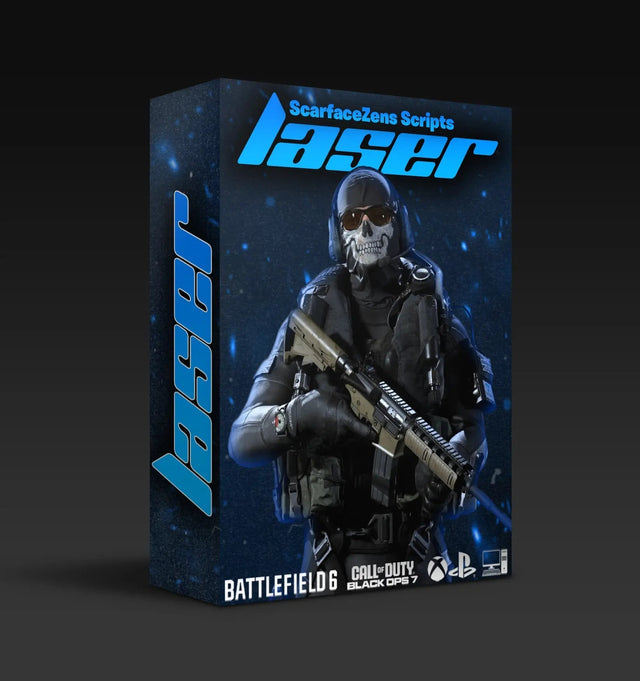
Get Laser Elite and stop fighting your COD loadouts →
Why won't my Cronus Zen script load?
There are only three places this can break. The connection between your PC and the Zen, the Zen Studio software itself, or the script file you are trying to program.
Work through them in that order. People skip straight to blaming the script, redownload it four times, and never notice their cable is in the wrong port.
| What you see | Most likely cause | First thing to try |
|---|---|---|
| Device Disconnected | Cable in the wrong port, or a charge-only cable | Move to the PROG port, swap the cable |
| Device connected but not responding | Zen Studio lost its pairing | Device panel, then Find Device |
| Programming Error | Corrupt Zen Studio files or outdated script code | Tools > Reset Zen Studio |
| Stuck on Programming forever | Known Zen Studio hang | Replug PROG cable, reset Zen Studio, Find Device |
| Slot programs, nothing happens in game | Not a loading problem at all | Check slot selection and controller pairing |
Are you using the PROG port?
The Zen has two USB ports and they do completely different jobs. PROG is the one that talks to your computer. OUTPUT is the one that goes to your console.
Cronus lists a cable in the wrong port as the most common cause of the Device Disconnected error in Zen Studio. If Studio never shows a connected device, this is the first thing to check, every time.
Is the cable actually a data cable?
Plenty of USB cables carry power and nothing else. They charge a controller fine and will never move a single byte of script data.
Quick test: plug your controller directly into your PC with that same cable. If Windows does not register the controller, the cable is the problem. Swap it and try again.
Front panel USB ports and unpowered hubs cause the same symptom for a different reason, which is not enough power reaching the Zen. Use a port on the back of the motherboard if you have one.
Is Zen Studio out of date?
Old Zen Studio builds throw errors on scripts written against newer firmware. If Studio tells you your version is more than a month old, update before you troubleshoot anything else.
One thing worth knowing, and this trips up a lot of people: Cronus documents a bug in Zen Studio 1.5.0 build 24 where the built-in updater fails and leaves you with an "Error opening file for writing" message. Their own guidance is to cancel that in-app update window, uninstall the old version properly, then install the current release fresh from Cronus. That was the documented advice as of August 2026, so check their troubleshooting page if you are reading this much later.
What does a Programming Error actually mean?
Two things, and they need different fixes.
The boring one is corrupt Zen Studio files or a flaky cable. Tools > Reset Zen Studio puts everything back to defaults and clears it. You will lose your Studio settings, so back up any mouse and keyboard profiles first.
The other one matters more if you are running a free script you found on a forum. Cronus states plainly that a Programming Error can also mean the script contains old GPC code that no longer compiles against current builds. Nothing you do to your cable will fix that. The script is simply stale.
This is the actual difference between a script someone dumped on Pastebin in 2024 and one that gets reissued after every patch. Laser Elite is maintained against Black Ops 7 and Warzone with per-weapon anti-recoil values, tunable aim assist boosting, and full auto weapon detection for BO7 so you are not switching profiles by hand mid-match. It runs on PS5, Xbox and PC, and it is $49.99 at time of writing, down from $58.99.
Stuck on Programming and it never finishes
Cronus flags this as a known issue with a set workaround. Unplug and reconnect the PROG cable, run Tools > Reset Zen Studio, wait for Studio to reboot, then open the Device panel and click Find Device.
If the progress bar hangs again after all that, the next suspect is firmware. A Zen running firmware significantly older than your Studio build can connect and then refuse to accept a program.
If the message freezing you is Synchronizing Flash rather than Programming, that one has its own two-minute fix.
The script loaded but nothing happens in game
Then you do not have a loading problem, you have a setup problem, and the fix is somewhere else entirely.
- Wrong slot selected on the device. The Zen can hold multiple slots and it does not auto-switch to the one you just programmed.
- Controller not authenticated. PS5 in particular has an authentication step that has to complete before anything passes through.
- Mods bound to a toggle you have not pressed. Most decent scripts ship with features off by default so you can tune them one at a time.
One cause that catches people out completely is Tournament Mode on the Cronus Zen, which disables the compiler so a programmed slot simply does nothing. If the Zen is not seeing your controller in the first place, that is a separate chain of causes and we walked through it in the controller detection fix guide. If it works for ten minutes and then drops, read the mid-game disconnect checklist instead.
And if the script loads, the controller works, but your recoil control feels wrong on specific guns in BO7, the usual culprit is weapon detection rather than the load itself. That one has its own breakdown here.
Back up your script before you reset anything
Scripts cannot be pulled back off the Zen. Cronus says this outright in their troubleshooting docs, and it catches people out constantly.
Once you reset the device or overwrite a slot, whatever was in there is gone unless you kept the original .gpc file somewhere. Keep a copy in a folder you will not delete. Mouse and keyboard profiles can be exported, so back those up too before any reset.
Is a paid script worth it if setup is this fiddly?
Fair question, and the honest answer is that setup difficulty is roughly the same either way. Loading a file into Zen Studio takes the same five minutes whether the file cost nothing or fifty dollars.
Where the money goes is maintenance. Games patch. Weapon stats change. GPC code that compiled last season stops compiling. A free script has nobody on the hook to fix that, which is why so many of the Programming Error posts you find are people running abandoned files.
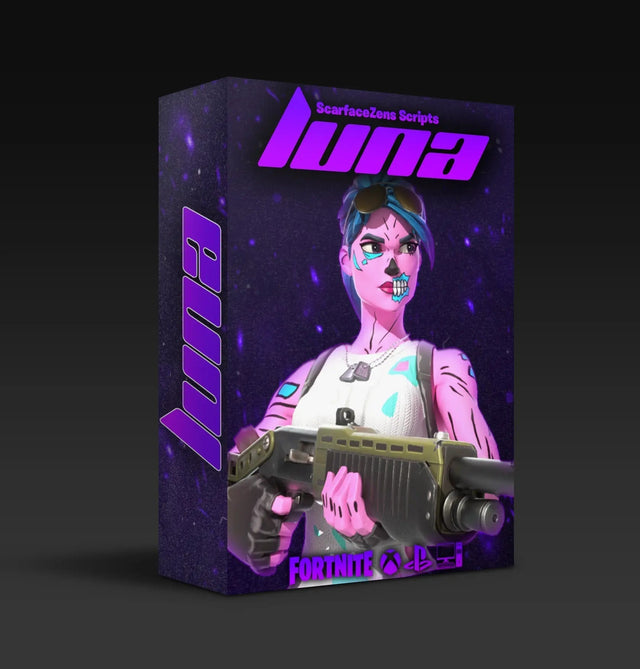
If you play Fortnite rather than COD, Luna Elite is the equivalent, built for Chapter 7 with aim assist boosting, an advanced mod menu, an optimized pickup macro and shake-free auto tracking. Same $49.99 at time of writing, same instant delivery after checkout.
See what Luna Elite does in Chapter 7 →
What about ban risk?
We are not going to tell you this is risk free, because it is not.
Epic's and Activision's terms of service both prohibit third-party hardware that automates or modifies controller input. Enforcement happens. Accounts get actioned. Anyone selling you a guarantee of undetectability is either lying or does not understand how detection works.
What we will say is that people who get caught are usually the ones running maxed-out values that make their aim look nothing like a human's. Subtlety is not just a competitive choice.
Still stuck after all of that?
If you have tried the PROG port, a known-good data cable, a current Zen Studio, a Studio reset and Find Device, and it still refuses to program, the next step is either a firmware repair or a hardware fault. Cronus covers warranty options on their support site.
ScarZens customers can get eyes on it faster in the ScarZens Discord, where the team and several thousand other players work through load and tuning issues daily. Post your Zen Studio error text and what you have already ruled out. That gets you a real answer instead of ten people guessing.
Frequently asked questions
Why does Zen Studio say Device Disconnected when my Zen is clearly plugged in?
Almost always the cable is in the OUTPUT port rather than PROG, or it is a charge-only cable with no data lines. Underpowered front-panel USB ports cause the same message. Move to a rear port with a known data cable.
Do I need to update firmware before loading a script?
You should. Zen Studio and the Zen firmware are versioned together, and a large gap between them causes connection and programming failures that look like script problems. Update firmware first, then install the current Zen Studio, then load your script.
Can I recover a script that is already on my Zen?
No. Cronus confirms scripts cannot be backed up off the device. Always keep your own copy of the .gpc file before you reset or overwrite a slot.
Will resetting Zen Studio delete my mouse and keyboard profiles?
Tools > Reset Zen Studio reverts settings to defaults, so export and save your MK profiles before running it. They can be reimported afterwards.
Does a Programming Error mean the script I bought is broken?
Not usually. Corrupt Studio files and bad cables cause it far more often. It can indicate outdated script code, which is why scripts that get reissued after each patch matter. You can compare what each of ours covers on the full script collection page.
Our flagship scripts.
Luna Elite, Laser Elite, Nets and Scar-Rust. One purchase each, with free updates for life.
Browse the scripts