Cronus Zen Not Detecting Controller? Fix It Fast
Your Zen powers on but the controller does nothing. Here is the fix order that clears most detection problems in under ten minutes.
 ScarZens Team
Aug 4, 2026
8 min read
ScarZens Team
Aug 4, 2026
8 min read

You plugged everything in, the OLED screen is lit, and your controller is doing absolutely nothing. No cursor movement on the dashboard, no rumble, no input in Black Ops 7. It is one of the most frustrating ways to lose a night of ranked, and it is almost never the script's fault.
The short answer: the cause is usually one of four things, in this order of likelihood. A charge-only USB cable that carries power but no data. The controller plugged into the wrong port on the Zen. Outdated Zen firmware after a console or Zen Studio update. Or a pairing step skipped on PS5, where the controller has to authenticate through the Zen before the console will accept it. Work through those four in order and most detection problems clear inside ten minutes.
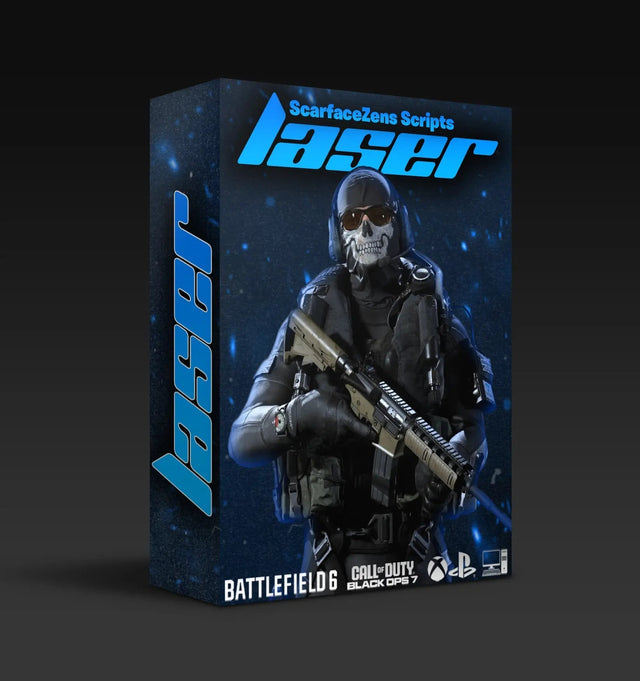
Once it is detecting properly, Laser Elite is the best COD Cronus Zen script to run on it. $49.99 USD at time of writing, down from $58.99. 4.9/5 across 625 reviews, instant delivery, lifetime updates. See what is included →
Why is my Cronus Zen not detecting my controller?
The Zen sits between your controller and your console and has to talk to both. That means there are two separate connections that can fail, and the symptoms look identical from the couch.
If the Zen powers on but nothing responds, the controller side is usually the problem. If the Zen looks fine and your controller vibrates but the console shows nothing, the console side is the problem.
Knowing which half broke saves you from randomly replugging cables for twenty minutes. Here is how to isolate it.
Fix 1: Rule out the cable and the port
This is the single most common cause and the cheapest to test. Plenty of USB cables that ship with headsets, power banks and cheap accessories are charge-only. They will light your controller up and pass zero data.
- Swap in a known data cable. If the cable came with a phone that does file transfer, it works.
- Your controller goes into the front USB port on the Zen, marked A. The rear port marked CONSOLE/PC is the output that runs to your console or PC.
- Push both ends in fully. The Zen's ports are snug and a half-seated plug reads as no device at all.
- Skip USB hubs and extension cables while you are troubleshooting. Plug the Zen directly into the console.
It helps to know exactly which socket does what before you start swapping cables, so run through our breakdown of what each Cronus Zen USB port does. If the Zen's screen now shows your controller connected, you are done. If not, move on.
Fix 2: Update the Zen firmware
Firmware is the layer that recognizes controller hardware, and Cronus ships updates specifically to restore compatibility after console system updates. Running an old build is a very common reason a controller that worked last month stops being seen.
Cronus documents the process on their official setup guide. In short, you hold the small blue reset button while connecting the Zen to a PC, wait for the screen to display ZEN BOOTLOADER, then run the web update tool in a Chromium based browser such as Chrome or Edge. Firefox and Safari will not work for this. The flash itself takes under a minute.
Do this before you blame anything else. A surprising number of "my script broke" reports are actually a firmware version sitting two releases behind.
Fix 3: Reconnect the controller correctly for your platform
Each platform has its own handshake, and the steps are not interchangeable. If you are not sure your pad is supported at all, check it against our list of Cronus Zen compatible controllers first.
PS5
PlayStation requires the controller to authenticate through the Zen. Connect your DualSense to the Zen by USB first, let it be recognized, then connect the Zen to the console. If you start the other way around, the console frequently refuses the input entirely. Wireless setups need the controller paired to the Zen, not to the PS5.
Xbox Series X|S and Xbox One
Xbox controllers need their own firmware current. Plug the controller into a PC, open the Xbox Accessories app, and update it. An out of date controller is a genuinely common cause of a Zen showing nothing on the input side.
PC
On PC, make sure Zen Studio is fully closed before you go into a game. Leaving the software connected can hold the device and make it look unresponsive in the title you are trying to play.
If you have gone through all three platforms' steps and something still refuses to cooperate, the fastest route is usually another set of eyes. The ScarZens Discord has 30,000 plus members and staff who have seen basically every hardware combination, and posting your setup there tends to get a fix quicker than another hour of solo trial and error.
Fix 4: Confirm the script actually loaded to a slot
Detection and script execution are separate problems that feel the same. Your controller can be perfectly detected while the slot you are in is empty, which reads as "nothing is working."
Open Zen Studio, check that your script is compiled into a slot, and confirm the Zen's screen shows that slot number when you cycle it. Also check that controller vibration is enabled both on the console and in the game, because a lot of script features read rumble to detect in-game events. Turn rumble off and those features go quiet without any error message.
We covered the post-update version of this in more depth in our guide on what to do when a Zen script stops working after an update, and the diagnostic order carries over to any title.
Does buying a better script fix a detection problem?
No. Detection is hardware, cable and firmware. A script cannot make a charge-only cable carry data.
What a well maintained script does change is how often you end up here in the first place. Scripts that get updated after game patches stop breaking every season, and scripts with proper documentation mean you spend less time guessing which slot does what.
That is the practical difference between the paid and free end of the market, which we broke down in our free versus paid Cronus Zen scripts guide.
Which ScarZens script fits your game?
All four of our premium scripts are $49.99 USD at time of writing, down from a $58.99 USD compare-at price. Each is a one-time purchase with instant download and lifetime updates.
| Game | Script | What it does |
|---|---|---|
| Black Ops 7, Warzone, most FPS | Laser Elite | Tunable aim assist boosting, per-weapon anti-recoil with adjustable values, full auto weapon detection for BO7, movement mods. Runs on PS5, Xbox and PC. |
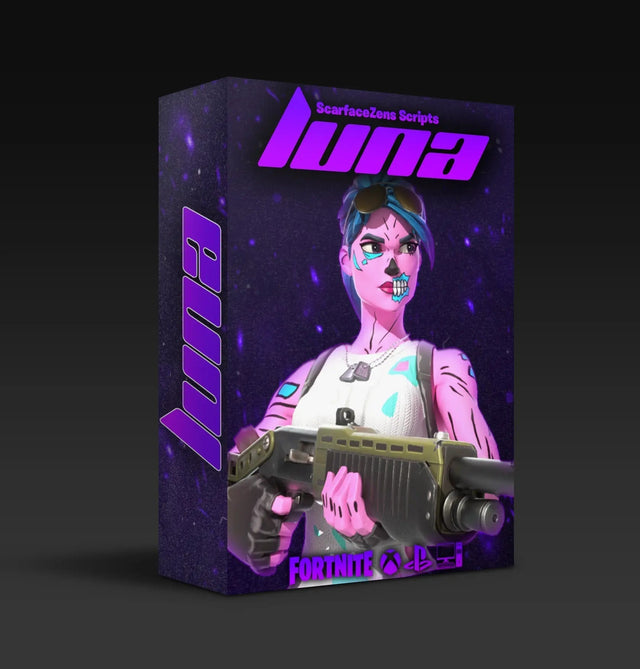
| Fortnite Chapter 7 | Luna Elite | Aim assist boosters, smooth shake-free auto tracking, pickup macro and an on-controller mod menu, built for Fortnite's current aim system. |
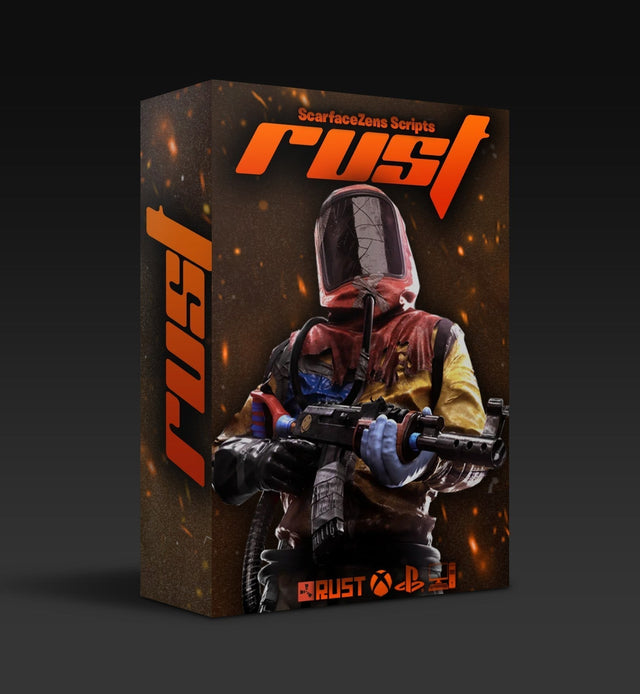
| Rust Console | Scar-Rust | Plug-and-play anti-recoil with all weapon support and separate 4X and Holo values. |
Why Laser Elite is the best COD Cronus Zen script
- Full auto weapon detection for BO7, so no manual profile switching mid match (PS5 controllers, PS5 + PC). It is the feature people mention most.
- Per-weapon anti-recoil with adjustable values across BO7 and Warzone loadouts
- Tunable aim assist boosting matched to your sensitivity rather than one fixed strength
- Movement mods and 20+ mods total
- Retuned and reissued every season patch, included with the copy you own
$49.99 USD at time of writing, down from a $58.99 compare-at price. 4.9/5 from 625 reviews, 4,000+ customers. Instant delivery straight after checkout.
Get Laser Elite and lock down your recoil in BO7 →
The full lineup lives in our Cronus Zen scripts collection if you play something else. If you want the settings side of it, our breakdown of anti-recoil settings for BO7 and Warzone covers what values actually hold, and the BO7 Season 5 guide covers what changed this season.
Frequently asked questions
Why does my Cronus Zen screen turn on but the controller does nothing?
Power and data are separate. The Zen draws power from the console side, so the screen lights up even when the controller connection has failed. Start with the cable, then the port, then firmware.
Do I need to update firmware after every console system update?
Not every time, but check after any major system update. Console updates have broken Zen compatibility in the past, notably a PS5 firmware update in early 2024, and Cronus has historically shipped firmware fixes afterward. Updating the Zen first is the fastest thing to rule out.
Does the Zen work over Bluetooth?
Yes, the Zen supports USB, Bluetooth and several wireless adapters for most licensed controllers. Note that wired headset audio only works when the controller is connected to the Zen by USB, since there is no audio support over Bluetooth.
Why do some script features work and others do nothing?
Usually vibration. Many script functions read controller rumble to detect what is happening in game, so if rumble is disabled in the game settings or at the console level, those specific features stop firing while everything else looks normal.
Will a script work across multiple games?
Our premium scripts are each tuned for one title, which is why Laser Elite handles per-weapon recoil for BO7 loadouts and Scar-Rust handles Rust weapons. One Zen holds several scripts across separate slots, so you switch slots rather than reflashing.
How fast do I get a script after buying?
Straight after checkout. You are invited into the ScarZens Discord, an automated bot redeems your order, and the download plus the setup guides are available immediately.
Get the connection sorted first, then tune. A detected controller and an updated script is the whole game.
Our flagship scripts.
Luna Elite, Laser Elite, Nets and Scar-Rust. One purchase each, with free updates for life.
Browse the scripts