Cronus Zen MAX REC: What It Records and What It Can't
MAX REC replays your controller inputs exactly as you recorded them. That makes it great for fixed routines and useless as anti-recoil.
 ScarZens Team
Oct 6, 2026
8 min read
ScarZens Team
Oct 6, 2026
8 min read

You opened Zen Studio, spotted MAX REC in the plugins menu, and had the obvious thought: why buy a script when the thing can record one for me? Fair question. The answer sits in what the tool actually stores.
MAX REC is a macro recorder. It captures a run of controller commands into a memory buffer and plays that run back input for input, exactly as you performed it. It has no awareness of what is happening on your screen while it replays.
That one detail decides everything else. A fixed replay cannot react to the gun in your hands, the distance to your target, or where your sticks happen to be in that moment. Which is why recorded macros feel great in a lobby and fall apart in a real fight.
See what Luna Elite does in Fortnite that a recording cannot →
What does Cronus Zen MAX REC actually do?
MAX REC is one of three add-on plugins that extend Zen Studio, alongside MAX Combo and MAX Mapper. Cronus groups all three under the legacy Zen Studio section of its documentation.
The controls are about as simple as they look. You get record and stop, play and pause, and a loop toggle that restarts the sequence when the buffer runs out.
Two more buttons matter more than people expect. Save File writes the current sequence out of the buffer and onto your drive, and Load File pulls a saved sequence back in. An information area tells you where the loaded sequence came from, how long it runs, and how far through playback you are.
There is also a live Device Monitor view so you can watch inputs and outputs as they happen. For MAX REC to work at all, your Zen needs to be connected to both the console and a Windows PC, with the PC side plugged into the PROG port.
MAX REC vs MAX Combo: which recorder do you want?
These two get mixed up constantly, and the difference is the whole point. One hands you a recording. The other hands you code.
| Tool | What it captures | What you walk away with | Best for |
|---|---|---|---|
| MAX REC | A sequence of controller commands held in a memory buffer | A playable recording you can loop, save to a file, or share | Repeating one fixed routine the same way every single time |
| MAX Combo | Controller inputs during a short capture window | Editable GPC code you copy out and paste into a script | Turning a combo you can already perform into code you can tune |
MAX Combo gives you a 30 second capture buffer and a 3 second countdown before it starts rolling. Before you capture, you can choose whether to include accelerometer data, touchpad data, and a stick deadzone.
The output is deliberately compact. Cronus says the generated code is optimized for size while still keeping every event you performed, which is what makes it worth editing afterwards rather than rewriting.
So if your goal is a build sequence or a dribble chain you want to refine in code, MAX Combo is the right door. If your goal is replaying something identical on demand, MAX REC is. Neither one is reading the game while it runs.
Why a recorded macro cannot replace anti-recoil
Anti-recoil is a counter-movement problem. Your gun pulls up at a certain rate, and something has to push down at a matching rate for the exact duration you are holding the trigger.
A recorded sequence pushes down on a schedule it learned once, in one spray, with one weapon. Swap the gun, change your in-game sensitivity, or hold the trigger half a second longer and the schedule no longer lines up. The correction keeps running after the recoil has stopped, so your crosshair walks off the target.
This is the same failure people hit when they paste someone else's numbers into a working script, which we broke down in our guide to fixing anti-recoil that pulls down too hard. A recording is that problem with the dial welded shut.
A tuned script approaches it from the other end. It carries per-weapon values you can raise and lower, and on supported setups it changes those values when your weapon changes, rather than replaying one captured spray forever.
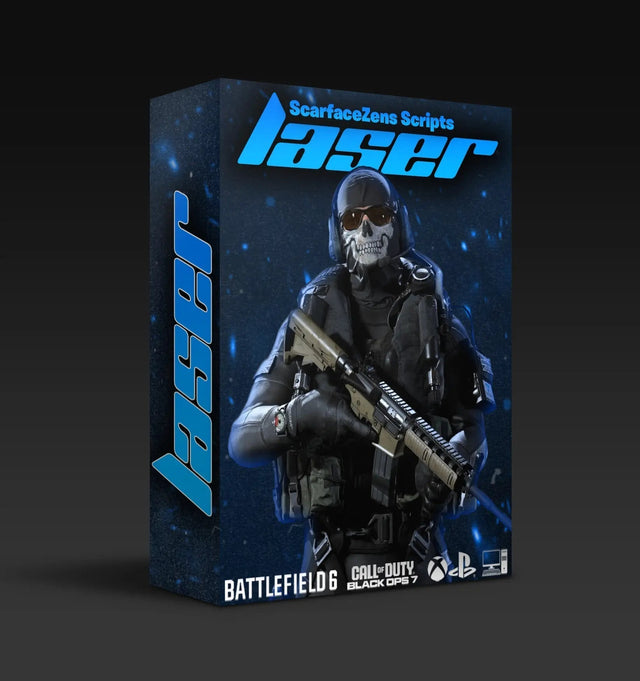
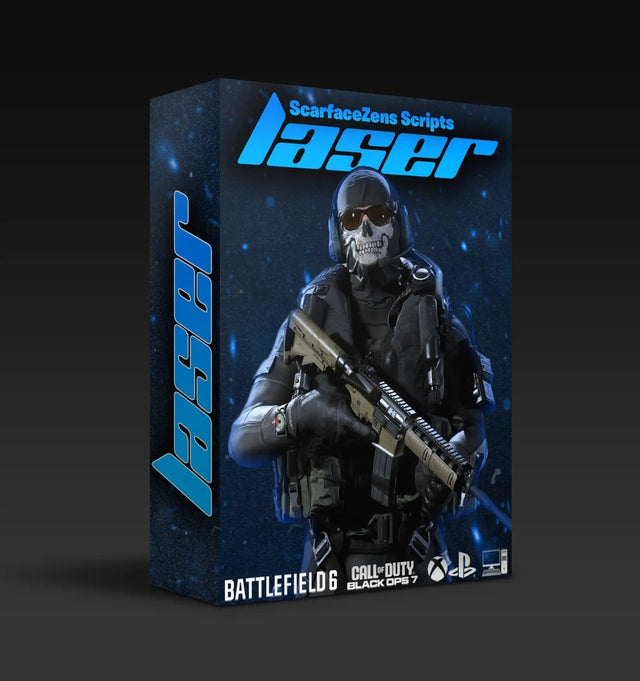
That is the gap Laser Elite is built to cover for Call of Duty. Its live product page lists per-weapon anti-recoil with adjustable values across Black Ops 7 and Warzone loadouts, plus full auto weapon detection on PS5 controllers and a manual gun picker on Xbox. It sits at $49.99 USD at time of writing, down from a $58.99 USD compare-at price.
Get per-weapon anti-recoil that follows your loadout →
What is MAX REC genuinely good for?
None of this makes the plugin useless. It makes it specific. Cronus's own examples lean toward racing and fighting games, and that is a real clue about where a fixed replay shines.
- Deterministic routines. Anything that runs the same way every time, where the game is not fighting back differently each attempt.
- Teaching a sequence. Cronus describes recording a run and sending the file to someone else so they can play back the exact inputs. That is a genuinely neat use.
- Looping a repetitive task. The loop toggle exists for a reason, and a long grind you would otherwise do by hand is the honest use case.
- Diagnosing your own inputs. Pair it with the Device Monitor view and you can see exactly what your controller is sending.
What it is not is an aim system. It cannot strengthen aim assist, it cannot track a moving player, and it cannot detect which weapon you just picked up.
If you are still finding your way around the panels before you touch any of this, start with our Zen Studio beginners guide instead. Plugins make a lot more sense once the main interface does.
"So I am paying for something I could record myself?"
This is the objection worth taking seriously, and the honest answer is no, because the two things are not the same product. You can record a fixed sequence yourself in an afternoon. You cannot record adjustable per-weapon values, aim assist boosting, or weapon detection, because those are not sequences.
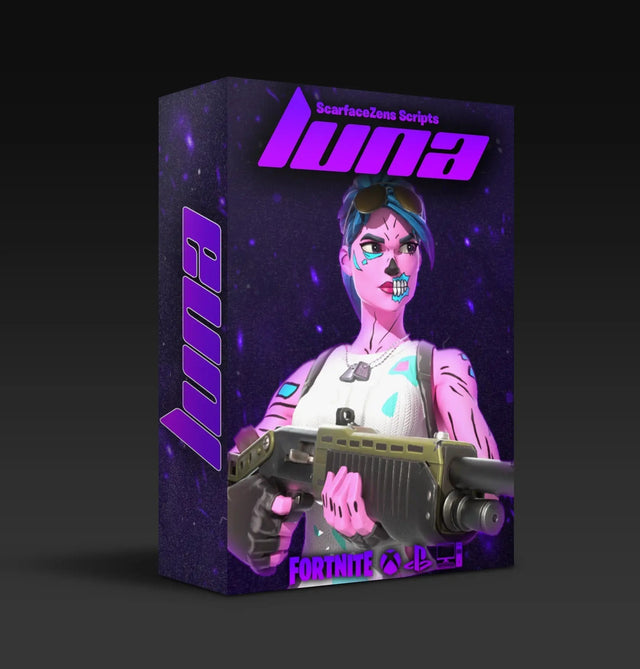
Luna Elite is a decent illustration. Its product page lists strengthened aim assist for tracking, three-mode edit macros, anti-recoil for sprays, rapid fire, hair triggers, customizable binds, and an on-screen menu you drive from the controller. That menu is the part a recording can never give you, because it means changing behavior mid-match instead of re-recording.
Luna Elite also runs $49.99 USD at time of writing against a $58.99 USD compare-at price, and the storefront shows 4.9 out of 5 from 903 reviews with 92% at five stars. Laser Elite shows 4.9 out of 5 from 625 reviews. Both pages note the store is trusted by 4,000+ customers worldwide.
The other half of what you are buying is maintenance. When a patch moves recoil values, a recorded macro still replays the old spray, while a maintained script gets new values pushed to it. Rust Console players get the same deal from Scar-Rust, and all four of our premium Cronus Zen scripts sit at the same price point.
If you would rather sanity-check your own values before spending anything, the fastest route is other people's eyes. You can compare settings and get setup help from our Discord community, which is also where redemptions and updates land.
Where MAX REC fits in the bigger picture
Think of the Zen as having two separate jobs. One is remembering what you did, which is the recorders. The other is changing what your controller sends in response to the game, which is scripting.
MAX REC and MAX Combo are very good at the first job. If you want the second, you either learn GPC and write it, or you run something already tuned. Our overview of which Cronus Zen scripts to run for your game covers that fork in more detail.
If you do want to go hands-on with the plugins, Cronus keeps the current pages for all three on its official plugins documentation. Worth reading the real thing, since the plugin layout has shifted over the years and a lot of video tutorials are describing an older build.
Frequently asked questions
Can MAX REC record anti-recoil for me?
Not in any useful sense. It will faithfully replay the downward stick pressure you applied during one spray, but it replays it on a fixed schedule regardless of weapon, range, or how long you hold the trigger. Adjustable per-weapon values are a scripting job, not a recording job.
Do I need a PC to use MAX REC?
Yes. Cronus's documentation states the Zen has to be connected to both your console and a Windows PC, with the PC side going into the PROG port. The plugin runs inside Zen Studio on the computer, not on the device by itself.
What is the difference between MAX REC and MAX Combo?
MAX REC produces a playable recording that you loop, save, or load. MAX Combo produces editable GPC code from your inputs, which you then copy into a script. Use MAX REC to repeat something, MAX Combo to build something.
Can I share a MAX REC file with a friend?
Yes, and the documentation explicitly describes doing exactly that. You save the sequence out of the buffer to a file, send it over, and they load it on their own setup to play back the same inputs.
Will a recorded macro keep working after a game update?
It will keep playing back, but it will keep playing back the old timing. Any patch that changes recoil, weapon handling, or menu layouts leaves your recording describing a game that no longer exists. Maintained scripts get retuned values instead, which is most of what the ongoing support is for.
Our flagship scripts.
Luna Elite, Laser Elite, Nets and Scar-Rust. One purchase each, with free updates for life.
Browse the scripts