Cronus Zen Not Working on PS5? DualSense Fix Guide
The PS5 drops your DualSense for one documented reason, and no script value fixes it. Here is the wiring, firmware and network checklist that does.
 ScarZens Team
Oct 7, 2026
7 min read
ScarZens Team
Oct 7, 2026
7 min read

Your Zen behaved on the last console, and now the PS5 drops your DualSense every couple of minutes. Or it never connects at all, and the OLED just sits there while the light bar blinks at nothing. The PS5 is the fussiest console the Zen has to deal with, and the cause is almost always the same one.
Short version: full native PS5 support needs the Zen LINK Wi-Fi expansion module. Cronus's own PS5 documentation is explicit that the pad drops its link to the console without one. Cables, ports, firmware and slots are all worth checking, but check them second.
Get Laser Elite running on a PS5 chain that actually holds →
Why does the Cronus Zen disconnect on PS5?
Sony's console keeps a tighter grip on controller authentication than the PS4 or either Xbox generation did. The official PS5 page is blunt about what happens when the Zen sits in that chain alone: the controller drops off the console. That is documented behavior for that configuration, not a faulty unit.
The Zen LINK is a small Wi-Fi expansion module that moves part of that handshake onto your home network instead of the USB chain. With it fitted, the docs list rumble and haptic feedback, adaptive triggers, two-finger touchpad and swipe gestures, gyroscope, and wired headset, speaker and microphone over USB as all working. Without it, you are chasing a problem that no settings change can reach.
That is the part people get wrong when they assume a stronger script will paper over the drops. A script shapes inputs after the console has accepted the controller. If the console never accepts it, there is nothing for the script to shape.
What does a working PS5 wiring chain look like?
Fix the physical chain before you touch a single value. The ZenLINK setup documentation gives a specific order, and the LED colors tell you whether each link took.
- Short USB cable from the Zen's CONSOLE/PC port into a USB port on the PS5.
- Zen LINK into the Zen's A1 USB port. Its LED turns orange once it reaches your Wi-Fi.
- Your DualSense into the Zen's A3 USB port. The LED turns green once it pairs.
- Turn Bluetooth off in the PS5's own system settings, which the docs call for explicitly.
- In play, the Zen LINK LED sits blue while it is talking to the PS5.
You can pair the controller over Bluetooth instead of using A3, but the docs note that doing so gives up the audio features. If your headset runs through the controller, stay wired. Our full Cronus Zen ZenLink PS5 setup walkthrough covers the configuration screen click by click.
Is it your firmware or your network?
The PS5 and ZenLINK pages both call for Zen Studio 1.6.1 Build 82 paired with Zen firmware 2.2.14, accurate as of October 2026. A version mismatch is a common reason a Zen boots cleanly and then misbehaves only on PS5. Check the pairing before you start swapping cables.
The network side has its own requirements, and they are easy to miss. The module wants a 2.4GHz network, it needs to sit within reasonable range of your router, and heavy traffic elsewhere in the house will degrade it. Initial configuration happens at zenlink.local in Chrome or Edge from a Windows 10 or 11 machine.
One more documented quirk worth knowing: Remote Play sessions can drop when the console sits idle for a while. If your only failures happen after you have been away from the pad, that is the likely explanation rather than a hardware fault.
Still nothing? Check ports and cables before anything else
If the Zen does not even appear when you plug it into your PC, the hardware errors page points at the dullest causes first. Try a different USB port, or a powered hub such as the Cronus MK Switch. Then confirm the cable itself passes data, because charge-only cables are the quietest failure in this hobby.
Which port you use matters more than most people expect. Our guide to which Cronus Zen USB port does what covers the PROG and CONSOLE/PC split properly. Mixing those two up produces exactly the dead-Zen symptoms people pin on the console.
What do the error codes on screen mean?
| What you see | What the docs say it is | First move |
|---|---|---|
| E3001 | Firmware missing or corrupted | Reflash the latest firmware with the official firmware tool |
| E3002 | A crash triggered by a specific event | Unplug every USB cable for at least 10 seconds, reconnect, then hard reset if it returns |
| Stack or bytecode under/overflow | A GamePack or script built for different firmware | Hard reset, match the firmware and Zen Studio versions, load one GamePack to slot 1, test |
| Zen not recognized by the PC | Port, hub or cable | Different port, powered hub, verified data cable |
| Blank OLED on both PC and console | A dead unit | Warranty replacement |
Before you chase any of these, the docs ask you to clear scripts and GamePacks off the device and back up your mouse and keyboard profiles. Diagnosing a fully loaded Zen tells you almost nothing. Strip it back, confirm it is healthy, then put your setup back on top.
What about the unofficial PS5 bypass?
There is an unofficial bypass route that circulates among people who would rather not buy a Zen LINK. Cronus's official PS5 documentation does mention it, while flagging it as unofficial and making no commitment to it staying available or performing well. If ranked play is the reason you bought the Zen, the module is the route that is actually documented and supported.
Which script should you run once PS5 is stable?
A steady chain is the whole point, because tuning only sticks when the console stops dropping the pad. Once that is sorted, the script choice comes down to what you play.
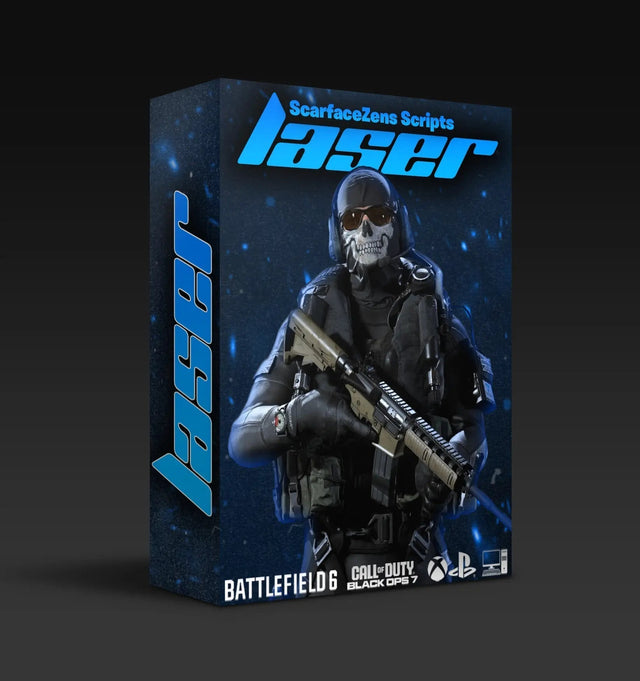
Laser Elite is our Call of Duty script, built for Black Ops 7 and Warzone, and its product page lists PS4, PS5, Xbox and PC support. The features it names are sticky aim boosters for stronger tracking, anti-recoil for cleaner sustained fire, rapid fire and movement mods, and full auto weapon detection on PS5 controllers specifically, with a manual gun picker on Xbox. It is $49.99 USD at time of writing, against a $58.99 USD compare-at price.
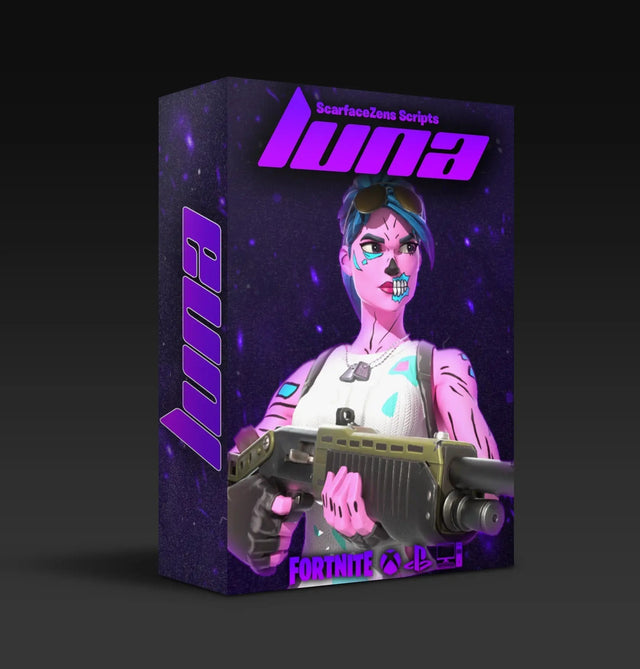
Luna Elite is the Fortnite equivalent, listing sticky aim assist, anti-recoil and edit macros, also $49.99 USD at time of writing. Rust Console players run Scar-Rust, and NBA 2K27 players run Nets, both at the same price at time of writing.
The fair objection is paying for a script when free ones are a search away. What the product pages list against that is setup guides, platform-specific help, Discord support access and free lifetime updates, which is what matters when a console update moves the goalposts. If you want a second opinion on your wiring before you spend anything, the 30,000+ members in our Scarface Zens Discord will tell you in minutes whether your chain looks right.
On social proof, the storefront currently shows 4.9/5 from 2,100+ reviews and 4,000+ customers worldwide, with 600+ players on Laser Elite specifically. You can compare all four single-game scripts in the Cronus Zen scripts collection. If you are still deciding which game to tune for first, our overview of which Cronus Zen script to run for your game lays them out side by side.
Set up Luna Elite for Fortnite on PS5 tonight →
Frequently asked questions
Does the Cronus Zen work on PS5 Pro?
Yes. Cronus lists the standard PS5, the PS5 Digital and the PS5 Pro as compatible. The Zen LINK requirement applies identically across all three models.
Which controllers work with Cronus Zen on PS5?
The docs name the DualSense (CFI-ZCT1W) and the DualSense Edge (CFI-ZCP1). With a Zen LINK fitted you keep haptics, adaptive triggers, gyro and touchpad gestures. Wired USB also keeps the headset, speaker and microphone functions alive.
Why does my DualSense disconnect every few minutes?
That is the documented symptom of running the Zen on PS5 without a Zen LINK. No deadzone or sensitivity value will hold the connection open. Confirm the module is fitted and reaching Wi-Fi, then check that the PS5's own Bluetooth is turned off.
Can I set up Zen LINK without a Windows PC?
Initial configuration is documented through zenlink.local in Chrome or Edge on Windows 10 or 11. Once it is configured the module keeps its settings. Day to day play after that runs entirely from the console.
Will a better script fix PS5 disconnects?
No, and anyone telling you otherwise is guessing. Scripts act on inputs after the console has already accepted the controller. The connection has to be stable first, which makes this a hardware and network question rather than a tuning one.
Our flagship scripts.
Luna Elite, Laser Elite, Nets and Scar-Rust. One purchase each, with free updates for life.
Browse the scripts