Cronus Zen Anti-Recoil Too Strong? Fix the Overpull
Your anti-recoil is not broken, it is overtuned. Here is how to separate the script from your sensitivity from your controller, and dial the value back.
 ScarZens Team
Oct 3, 2026
6 min read
ScarZens Team
Oct 3, 2026
6 min read

You empty a full mag into a wall and the crosshair finishes in the dirt. The gun has stopped kicking upward and started diving instead. That is overcorrection, and it is the single most common complaint from players who have just turned anti-recoil on.
The short version: anti-recoil that drags your aim into the floor is almost always a vertical value set higher than your sensitivity needs. Drop the value in small steps, test it on a flat wall, and check that your ADS sensitivity has not moved since you last tuned it. If the pull is still there with the script switched off, you are looking at a controller problem rather than a Zen problem.
Get a COD script with per-weapon recoil values →
Why does Cronus Zen anti-recoil pull down too much?
Anti-recoil works by feeding a steady downward nudge into the right stick while you hold the trigger. The script has no idea how hard your weapon actually kicks, so the number you set has to match the gun, its attachments and your sensitivity together.
Change any one of those three and the same number becomes wrong. A barrel that cuts vertical kick, a lower ADS multiplier or simply picking up a different rifle all change how far that nudge travels on screen.
Most overcorrection traces back to a value copied out of a video or a settings sheet. That number was tuned on someone else's sensitivity and someone else's loadout, so on yours it overshoots.
Is it the script, the game, or your controller?
Work through the layers in order. Fixing the wrong one burns an evening and leaves the pull exactly where it was.
| What you see | Likely cause | What to check |
|---|---|---|
| Aim creeps down with no shots fired | Worn analog stick | Test the controller on its own |
| Pull only shows up while firing | Vertical value too high | Lower it a few points |
| Fine on one gun, brutal on another | No per-weapon values | Check which weapon profile is live |
| Got worse after a patch | Weapon recoil was reworked | Retune against the new kick |
| Right in multiplayer, wrong in Warzone | Separate sensitivity profiles | Match them or tune each mode |
Rule out the controller first
Cronus publishes a controller test that separates your hardware from everything stacked on top of it. You run both cables to the Zen, plug the controller into the first controller port, pick your console protocol in the Device panel, then open the Device Monitor with F3.
Press every button and roll both sticks. Erratic analog movement with your thumbs off the pad means the stick itself is worn, and no script value will paper over that.
Once you unplug the programming cable and tap reset, the status lights should settle on solid green. The official docs also send you to a browser based gamepad tester so Windows can confirm the same thing independently.
Then watch what the script is actually sending
The Device Monitor is the only honest view of the gap between your thumb and your output. Its input side shows raw controller data, and its output side shows what leaves the Zen after the script has had its turn.
That tool needs the Zen wired to your computer through the PROG port using the mini USB cable. Without that physical link it will not open at all.
Select the vertical stick axis in the plot view and fire a burst. Four fields can be graphed at once, so you can watch the downward push build and see how deep it really goes.
Two more readings on that screen are worth a glance. Keep CPU load under 80 percent, and confirm the active memory slot is holding the script you think you are running.
How do you dial anti-recoil back correctly?
Lock everything else down and move one number at a time. That is the whole method.
- Pick one weapon and one loadout, then leave both alone for the entire test.
- Stand about ten meters from a flat wall and hold fire for a full magazine.
- Read the group. Walking upward means the value is low, sinking into the floor means it is high.
- Adjust by two or three points, never by ten. Small moves are the only way to find the edge.
- Repeat until the group sits level, then write that number next to the weapon name.
- Only change ADS sensitivity afterward, and expect to redo the number when you do.
Copying a full settings sheet changes six variables simultaneously. That is precisely why those sheets feel so wrong on your setup, even when the person who posted them was being straight with you.
See the per-weapon values Laser Elite ships with →
Does a per-weapon script actually solve overcorrection?
Partly, and it is worth being precise about which part. A script holding a separate value for every gun means a loadout swap no longer throws your compensation out by a mile.
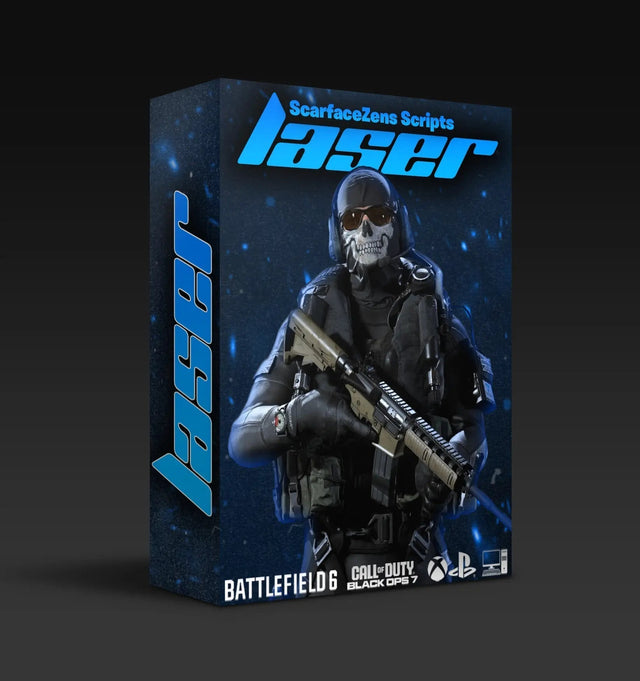
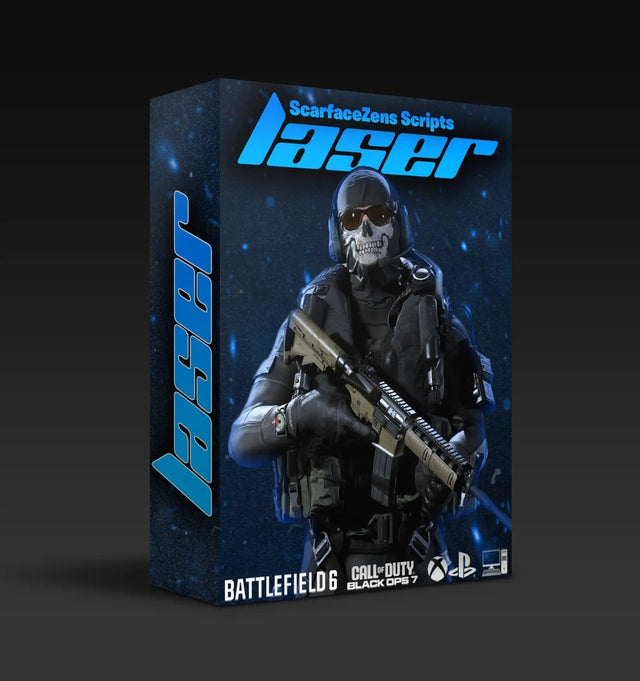
Laser Elite is our Call of Duty script and is built that way. Its product page lists per-weapon anti-recoil with adjustable values across Black Ops 7 and Warzone loadouts, aim assist mods you can tune to your playstyle, and full auto weapon detection so you are not flipping profiles by hand. It sits at $49.99 at time of writing, down from $58.99.
The fair objection is that a paid script still needs tuning, and that is true. Any seller promising identical results on every sensitivity is telling you a story. What the purchase buys you is a sane per-weapon starting point plus detection that picks the right one mid-match.
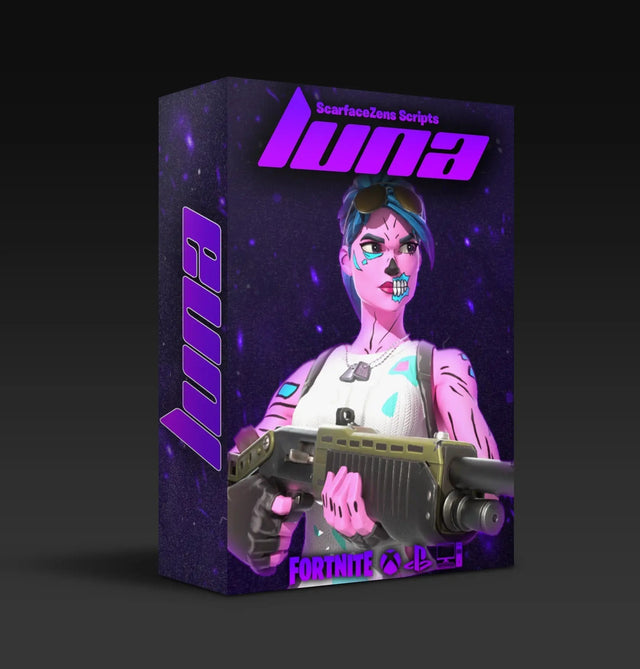
Rust and Fortnite players run into the same wall with different numbers. Scar-Rust handles Rust Console recoil and Luna Elite handles Fortnite, both $49.99 at time of writing, and both sit in the same tuning workflow described above.
For the wider picture on loadouts, modes and setup order, the Cronus Zen Call of Duty guide is the place to start. From there, the breakdown of Cronus Zen anti-recoil settings for BO7 and Warzone gives you per-weapon baselines, and the comparison of anti-recoil against aim assist tells you which of the two to touch first.
If you would rather have someone look over your numbers with you, the ScarZens Discord has a setup channel where players post their working values by weapon. Posting your gun, your sensitivity and your current value usually gets you a closer starting point in minutes.
Frequently asked questions
Why does my anti-recoil work on one gun but not another?
Every weapon has its own vertical kick, so a single value can only ever be right for one of them. Scripts that store a value per weapon get around this by swapping the number when the gun changes. Without that, you are tuning for your most used rifle and accepting drift on the rest.
Can anti-recoil be set too low?
Yes, and it is easier to spot than overcorrection. Your group walks steadily up and to one side across the magazine, which is simply the weapon's own recoil coming through. Raise the value a couple of points until the group flattens out.
Does ADS sensitivity change the value I need?
It changes it significantly. A higher multiplier turns the same downward push into more movement on screen, so a value tuned at low sensitivity will dive once you raise it. Treat sensitivity and anti-recoil as one pair of settings and retune both together.
Why did my anti-recoil stop matching after a game update?
Publishers rebalance weapon recoil between seasons, which quietly invalidates every value you had dialed in. When a patch lands, retest your two or three main guns against a wall before assuming anything is broken. Official patch notes will usually tell you which weapons moved.
Should I fix recoil or aim assist first?
Recoil, every time. Aim assist tuning is guesswork while your crosshair is still being dragged downward by a value that is too strong. Get the group level first, then judge whether your tracking needs help.
ScarZens sits at 4.9 out of 5 from more than 2,100 reviews, with over 4,000 customers worldwide. Browse the full set of Call of Duty Cronus Zen scripts if you want the tuned starting point rather than an evening of wall tests.
Our flagship scripts.
Luna Elite, Laser Elite, Nets and Scar-Rust. One purchase each, with free updates for life.
Browse the scripts