Cronus Zen Sensitivity Settings: Why Copied Values Fail
Anti-recoil values are tied to the sensitivity they were tuned at, which is why a copied number sheet never quite works. Here is how to lock your sens and measure your own baseline.
 ScarZens Team
Sep 24, 2026
8 min read
ScarZens Team
Sep 24, 2026
8 min read

You copied a recoil value sheet from a video, typed the numbers in exactly, and your spray still climbs. Someone in a comment section swears the same values are flat for them on the same gun. Both of you are telling the truth.
Anti-recoil values are not universal because they describe stick movement, and your in-game sensitivity decides how far the game turns the camera for that same stick movement. Raise your sensitivity and a value that was flat now overcorrects and pulls your reticle under the target. Lower it and the same value stops holding the gun down at all.
So the fix is not a better number sheet. The fix is locking your sensitivity first, then tuning against it once, and writing both down together so they travel as a pair.
Get per-weapon recoil values you can tune to your own sens →
Why does in-game sensitivity change what your Cronus Zen anti-recoil does?
Your Zen sits between the controller and the console and passes stick positions through to the game. An anti-recoil mod works by adding downward stick input while you hold the trigger, which is a physical instruction rather than a camera instruction. The game is the thing that decides how many degrees of view that downward push actually buys you.
That is the whole mismatch in one sentence. The Zen speaks in stick units, the game answers in camera degrees, and your sensitivity setting is the exchange rate between them. Change the exchange rate and every value you tuned under the old one is now wrong by the same proportion.
This is also why two players with identical hardware and identical scripts get different results from the same numbers. It is not the script being inconsistent. It is two different exchange rates being fed the same instruction.
Which settings actually move your anti-recoil numbers?
Not every setting in your controller menu matters here. These are the ones that genuinely shift what a given value does, roughly in order of how hard they hit.
| Setting | What it does to your values |
|---|---|
| Vertical sensitivity | Direct and proportional. Raising it means less vertical value needed for the same pull. |
| ADS sensitivity multiplier | Usually the real culprit. Your hipfire sens can stay the same while your aimed sens moves underneath you. |
| Aim response curve | Linear, Standard and Dynamic map stick travel differently, so the same value behaves differently mid-pull. |
| Stick deadzone | A wide deadzone eats small corrections, so low values appear to do nothing at all. |
| Field of view | Changes apparent movement speed on screen, so a correct value can still feel wrong. |
The ADS multiplier catches more people than anything else on that list. You tune your values while aimed in, then months later you nudge the multiplier for a different weapon class and quietly break every profile you own.
Deadzone is the other frequent offender, and it deserves its own pass. Our guide to Cronus Zen deadzone settings covers how to find where your sticks actually start registering.
How do you find your own baseline instead of copying someone else's?
Do this once, properly, and you stop chasing other people's numbers forever. It takes about twenty minutes.
- Write your current sensitivity down before you touch anything. Horizontal, vertical, ADS multiplier, response curve and deadzone. This is the sheet your values belong to, and without it your tuning is not repeatable.
- Decide your sensitivity and then leave it alone. Tune the recoil after the sens is settled, never the other way round, because sensitivity is the variable your values depend on.
- Set every recoil mod back to default. Tuning on top of someone else's numbers just buries two errors in one value.
- Verify the Zen is actually sending what you think it is. Zen Studio has a Device Monitor that shows the raw input arriving from your controller alongside the processed output going out to the console, plus which memory slot is live and how hard the virtual machine is working. It only opens when the Zen is joined to your computer through the PROG port with the mini USB cable, and it can plot up to four fields live and pause the graph so you can step through a single spray.
- Test on a static wall, not on players. Hold a full magazine at mid range and look at the group, then adjust vertical in small steps until the pattern stops drifting upward.
- Change one thing per magazine. Two adjustments at once and you will never know which one worked.
If Zen Studio is not registering your controller at all, that is a separate problem and worth clearing first. Cronus documents a controller test you reach with F3 from the device panel, and it needs two cables plugged into the Zen at the same time, the PROG cable for syncing settings and the CONSOLE/PC cable for the controller signal. Pull the PROG cable and tap the reset button before you go and play, because leaving it in is a classic reason a setup behaves oddly in a real match.
The official Cronus Device Monitor documentation is worth a read if you want to understand each readout before you start measuring.
Start from tuned per-weapon values instead of zero →
Do you need to retune for every game on the same Zen?
Yes, and this is the part people skip. Each game has its own sensitivity scale, its own response curves and its own recoil behavior, so a value that is flat in one title will be visibly wrong in another. Running one shared profile across three games is why a setup can feel great on Monday and broken on Tuesday.
The practical answer is separate values per game, kept on separate slots, each tuned against that game's own sensitivity sheet. That is more upfront work and considerably less week-to-week frustration.
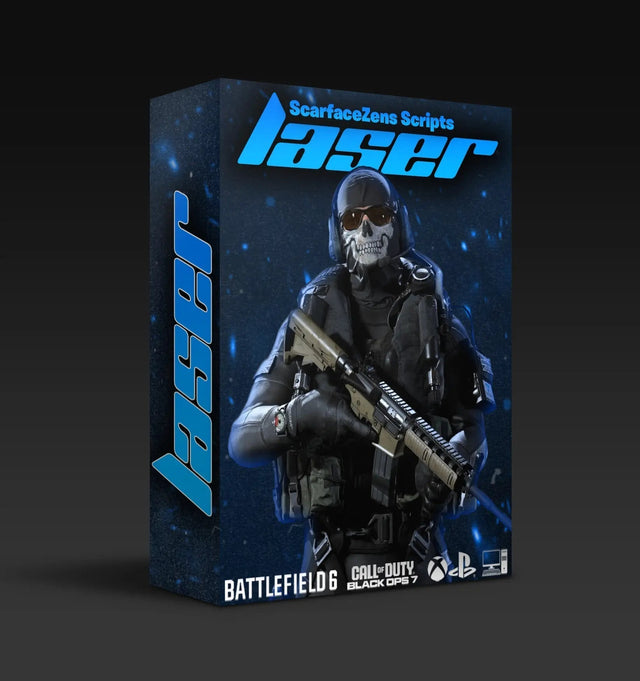
Laser Elite is our Call of Duty script and it is built around per-weapon anti-recoil with adjustable values rather than one global number, which is what makes it tunable to your sens rather than to the author's. It also runs aim assist boosting mods, movement mods and full auto weapon detection, so profiles change with the gun in your hands instead of you reaching for a menu mid-match. It works on Black Ops 7, Warzone and most other FPS titles across PlayStation 4 and 5, Xbox and PC.
At time of writing it is $49.99, down from a $58.99 compare-at price, and the product page currently shows 4.9 out of 5 from 625 customer reviews with the store listing 4,000+ customers worldwide. Updates and Discord support are included with the copy you buy.
The fair objection is that a tunable script still leaves you doing the tuning. True, and unavoidable, because nobody can ship values for a sensitivity they cannot see. What a per-weapon structure changes is the starting point and the granularity, so you are nudging a sensible number for one gun rather than inventing a global one from scratch.
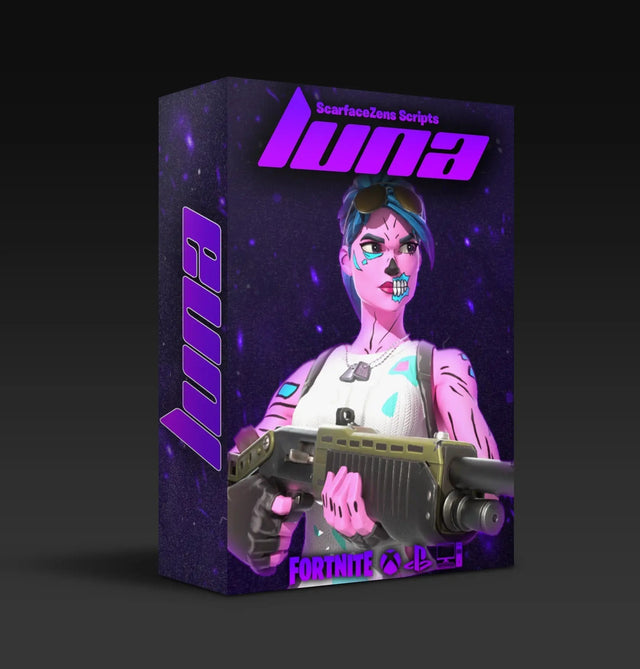
If you also play Fortnite, Luna Elite covers Chapter 7's aim system with its own aim assist and anti-recoil tuning at the same $49.99 at time of writing, and Rust Console players have Scar-Rust. All four sit in the full ScarZens script collection.
When a specific weapon refuses to sit flat, the fastest route is usually someone who already tuned it at your sensitivity. The 30,000-member ScarZens Discord runs per-weapon tuning threads where players post working values alongside the sens they used, which is the missing half of most value sheets you find elsewhere.
For the current Call of Duty numbers to start from, our Cronus Zen anti-recoil settings for BO7 and Warzone guide is the right next stop. If yours are already in and still not holding, work the BO7 anti-recoil fix checklist instead.
Cronus Zen sensitivity settings FAQ
Should I raise or lower my sensitivity for anti-recoil to work better?
Neither, on its own. Anti-recoil works at any sensitivity as long as the values were tuned at that sensitivity. Pick the sens you aim best at and tune the values to it, rather than bending your aim around a number sheet.
Why do my values work in one game and not another?
Because sensitivity scales are not shared between titles, and neither are recoil patterns. A setting of 6 in one game is not the same camera speed as a 6 in another. Keep separate tuned values per game on separate memory slots.
Does the ADS sensitivity multiplier really matter that much?
It matters more than the base sensitivity for most players, because almost all of your sustained fire happens while aimed in. Changing the multiplier changes your aimed camera speed while leaving your hipfire feel untouched, which is why the break is so easy to miss. Log it with your values.
How do I know the Zen is sending the correction at all?
Zen Studio's Device Monitor shows the output going to the console next to the input coming from your controller, so you can watch the downward correction appear while you hold the trigger. If the output stick never moves, the problem is the mod or the slot rather than the value.
How often should I retune after a game update?
Only when the patch touches weapon recoil, aim response or your own settings get reset. Cosmetic and mode updates leave your values alone. When a patch does move recoil, reset to default and retune your main two weapons rather than nudging the old numbers.
The short version
Values without a sensitivity attached are half a recipe. Lock your sens, tune once against it, and record both together so a future you can reproduce it. The players who never seem to fight their setup are the ones who stopped importing strangers' numbers and measured their own.
Our flagship scripts.
Luna Elite, Laser Elite, Nets and Scar-Rust. One purchase each, with free updates for life.
Browse the scripts