Cronus Zen Call of Duty Guide: BO7, Warzone, MW4
Wiring, slots and script choice for running a Cronus Zen on Black Ops 7 and Warzone. Platform by platform, with the fixes that come up most.
 ScarZens Team
Sep 28, 2026
6 min read
ScarZens Team
Sep 28, 2026
6 min read

Your Zen is plugged in, Black Ops 7 loads, and your recoil still climbs like nothing is running at all. Or the pad works fine in the menus and dies the second you drop into a match. Both of those come from wiring and slot state, not from your aim.
What do you actually need to run a Cronus Zen on Call of Duty?
Three things, in this order. A Zen on current firmware with Zen Studio installed, the correct physical wiring for your platform, and a script sitting in an active memory slot with the device in Normal Mode. Miss any one of those and your controller still works while the script quietly does nothing.
Platform matters more than most setup videos admit. Cronus documents that on PS5 a DualSense drops its link to the console unless you are running the Zen LINK Wi-Fi module, and that Xbox Series X|S has no Bluetooth route at all. PC is usable, but Cronus does not provide official support for it and limits you to licensed console controllers.
See exactly what Laser Elite tunes per weapon in BO7 and Warzone →
How do you wire a Cronus Zen for COD on each platform?
Get Zen Studio and the firmware tool from the official Cronus downloads page before you touch anything else. The firmware updater now runs as a web tool in Chrome or Edge, which is why a lot of older tutorials walk you through a menu that no longer exists.
| Platform | Controller route | What the Cronus docs specify |
|---|---|---|
| PS5, PS5 Digital, PS5 Pro | DualSense or DualSense Edge | Zen LINK Wi-Fi module for full native support |
| Xbox Series X and Series S | Official pad into the A1 USB port | Xbox Wireless Adapter goes into A3; no Bluetooth |
| PC | Licensed console pads only | Pull the PROG cable before you launch a game |
PS5 setup
Cronus lists full support for PS5, PS5 Digital and PS5 Pro, with both the standard DualSense and the DualSense Edge. The catch is the Zen LINK module, sold separately, which is what keeps the pad talking to the console and restores rumble, haptics, adaptive triggers, the touchpad, gyro and wired headset audio. Cronus also documents an unofficial workaround called the PS5 Bypass that skips the module, but the supported path is the module.
Xbox Series X and Series S setup
An official Xbox pad goes into the A1 USB port. If you want it wireless, the Xbox Wireless Adapter plugs into A3 and you briefly connect the pad to A2 to pair it before unplugging. Third party pads, mice and keyboards live on A3, with A2 available as the second device port.
Set the emulator output protocol to Xbox One X/S in the Device panel while you are in Zen Studio. Two details catch people out here. Bluetooth is not an option on Xbox, and your pad may not charge through the Zen, so start a long session on a full battery.
PC setup
PC works, with two caveats worth knowing before you buy. Cronus does not officially support PC use, and the device will not accept controllers built only for PC, including the Scuf Envision Pro. Stick to a licensed console pad and disconnect the PROG cable before you launch.
Which script should you run on Black Ops 7 and Warzone?
The honest split is per weapon tuning versus a single flat curve. A generic no recoil profile pulls the same amount down on an SMG and a heavy LMG, which means one of them is always wrong. That is the gap the paid options are built to close.
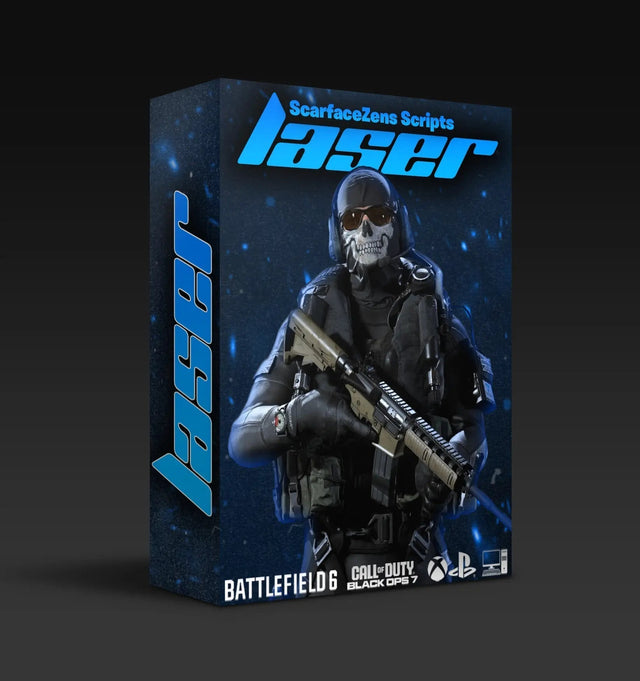
Laser Elite is our Call of Duty script, $49.99 at time of writing against a $58.99 compare price. Its live product page lists sticky aim boosters, per weapon anti-recoil with adjustable values, full auto weapon detection on PS5 with a manual gun picker on Xbox, rapid fire and movement mods, and free lifetime updates. It is tuned for Black Ops 7 and Warzone and runs on PS4, PS5, Xbox and PC.
The objection we hear most is that fifty dollars is steep when free profiles exist. Fair, and the answer is on the same page as the price. Laser Elite carries a 4.9 out of 5 rating from more than 2,100 reviews on the storefront, which is the part a pasted forum profile cannot offer you.
Get the per weapon anti-recoil values for your loadout →
Why does your anti-recoil stop working after a patch?
Season patches change weapon handling, and a value tuned to last season's kick now overcorrects or undercorrects. This is normal and it is why script updates exist rather than a one time file. Our Cronus Zen anti-recoil settings guide for BO7 and Warzone walks through how to retune by hand when you want to.
Before you start changing numbers, rule out the boring causes. Confirm the device is in Normal Mode, because Tournament Mode disables the compiler and blocks scripts and GamePacks outright. Then confirm the slot you think is active actually is.
If you want the values other players landed on for a specific gun, the fastest route is asking in our Discord where owners post their working per weapon numbers rather than guessing in isolation.
Can you keep more than one game's script loaded?
Yes, and this is the feature most new owners never touch. The Zen stores content across multiple memory slots, and you can change the active slot from the controller without going back to a PC. On PS4 and PS5 that is PS plus Share, or PS plus L3; on Xbox One X/S output it is Xbox plus View, or Xbox plus LS.
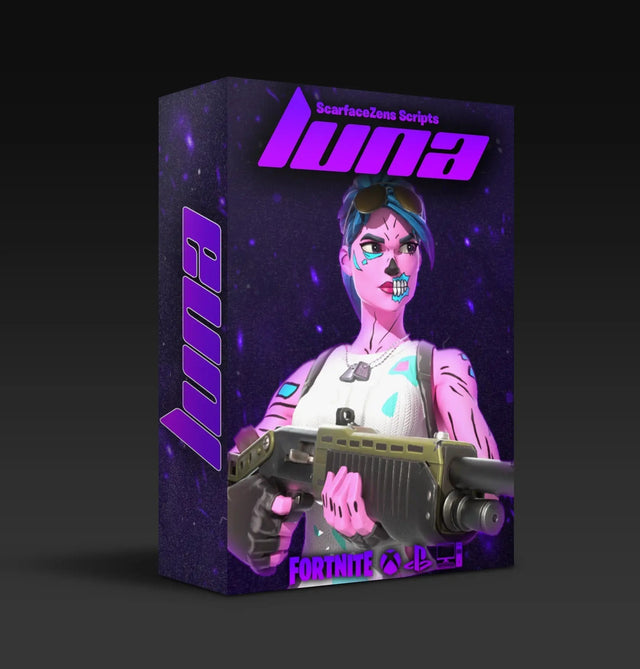
In practice that means your COD script lives in one slot and a second game sits in another. If Fortnite is your other main, Luna Elite is our Fortnite script at $49.99 at time of writing, and it coexists with Laser Elite on the same device. You can browse both in the Call of Duty Cronus Zen scripts collection.
What changes when Modern Warfare 4 arrives?
Modern Warfare 4 releases on October 23, 2026, accurate as of this writing. A new title means a fresh weapon roster and fresh recoil patterns, so expect to retune rather than to carry your Black Ops 7 values straight across. The device side of your setup does not change, which is the useful part.
Our BO7 Cronus Zen setup guide covers the wiring and slot steps that stay identical between titles, so a launch day setup is mostly a values job. For the wider view of which script fits which game, start at our guide to choosing a Cronus Zen script.
Frequently asked questions
Does a Cronus Zen work on Black Ops 7 and Warzone?
Yes, on PS4, PS5, Xbox and PC, which is what the Laser Elite product page specifies. The wiring differs by platform, with the Zen LINK module needed for full native PS5 support and the Xbox Wireless Adapter needed for a wireless Xbox pad. PC is usable but sits outside Cronus's official support.
Why does my controller work but my script does nothing?
Almost always Tournament Mode or the wrong active memory slot. Tournament Mode disables the compiler, which blocks scripts and GamePacks while leaving your pad fully functional. Switch to Normal Mode, then confirm the active slot holds the script you loaded.
Do I need a PC to set up a Cronus Zen for COD?
Not for firmware. Cronus's web update tool runs in Chrome or Edge and covers Windows, macOS and Android with USB OTG. You will still want Zen Studio on a desktop for slot management and script configuration.
Can I use a third party controller with my Zen on Xbox?
Many licensed pads work, including PowerA, Razer and Scuf models, and they connect through the A3 port. Cronus lists Thrustmaster as incompatible, and there is no Bluetooth support on Xbox Series X and Series S. Controllers built purely for PC are not supported.
Will one script cover both multiplayer and Warzone?
Laser Elite is tuned for Black Ops 7 and Warzone together, per its product page. In practice you will still want separate value sets, because sustained fire at Warzone ranges behaves differently from close multiplayer engagements. Keeping two configurations is normal, not a sign something is broken.
Our flagship scripts.
Luna Elite, Laser Elite, Nets and Scar-Rust. One purchase each, with free updates for life.
Browse the scripts