Fortnite Cronus Zen Script on PC: Does It Work?
Yes, and you keep controller aim assist. Here is the PC setup that actually works, including the USB port mistake that costs people a week.
 ScarZens Team
Aug 25, 2026
7 min read
ScarZens Team
Aug 25, 2026
7 min read

Every Cronus Zen guide you find assumes you are on a PS5 or an Xbox. You play Fortnite on PC with a controller, and now you are trying to work out whether the device does anything for you at all, or whether you are about to spend money on a console accessory.
Short answer: yes, a Cronus Zen and a Fortnite script work on PC with a controller. The Zen presents itself to Windows as a standard controller, so Fortnite treats your input as controller input, which means you keep controller aim assist and the script can boost it. The setup differs from console in one way that matters: plug the Zen's output into a rear motherboard USB port, not a front panel port, or you will chase phantom latency for a week.
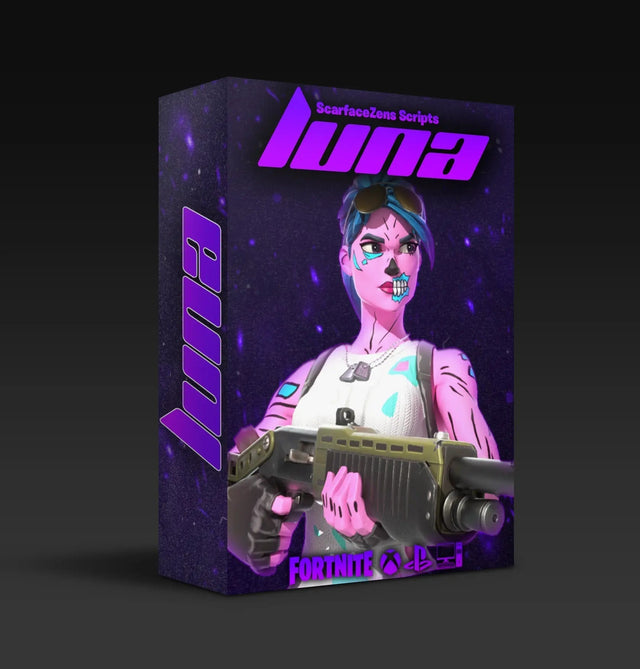
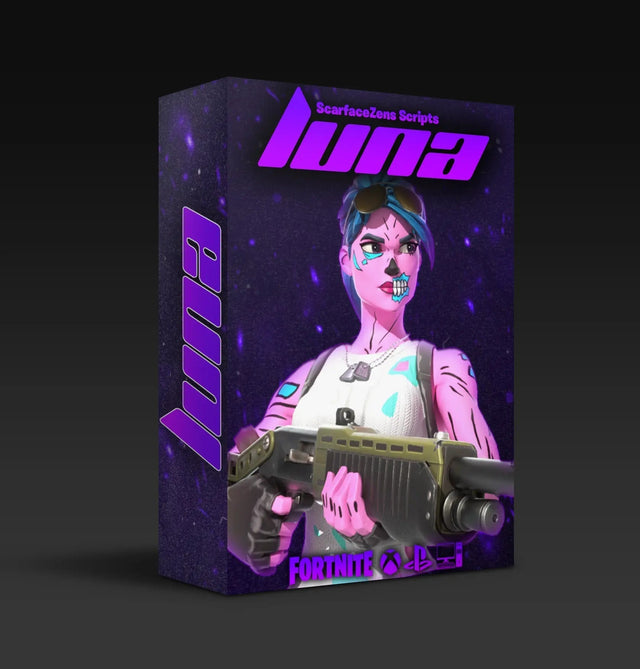
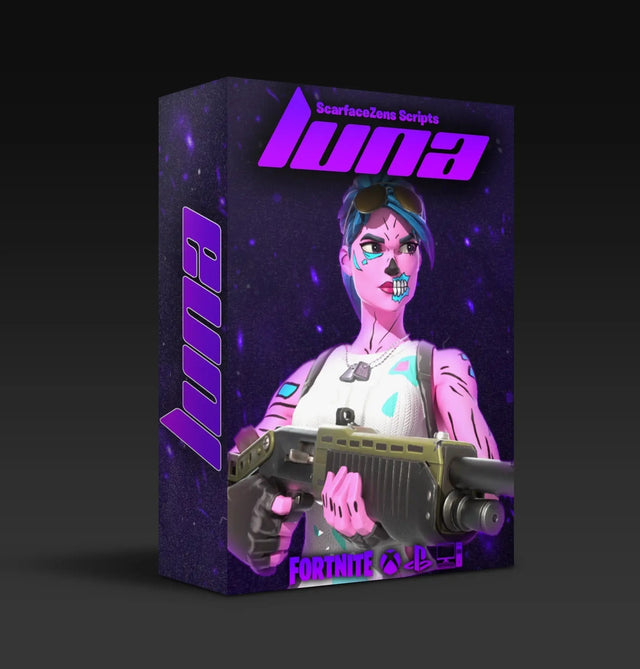
Running Fortnite on PC with a controller? Luna Elite runs through the Zen itself, so PC works the same as console. Tunable aim assist boosting, shake-free auto tracking built for Chapter 7's aim system, an optimized pickup macro, and an on-controller mod menu.
$49.99 USD at time of writing, down from a $58.99 compare-at price. 4.9/5 from 903 reviews and 4,000+ players. See what is included →
Does a Cronus Zen script work on PC?
It does, and the reason is worth understanding because it explains why platform barely matters.
The script does not run on your console or your PC. It runs on the Zen, which sits between your controller and whatever you are playing on. From the game's point of view there is just a controller plugged in, so the script behaves the same whether the thing on the other end is a PS5 or a gaming PC.
That is why our scripts do not ship separate PC and console versions. There is one script, and it works wherever the Zen works.
The part that is genuinely different on PC
Latency sources. A console is a fixed, predictable environment. A PC is not, and the same script can feel noticeably different on two machines because of things that have nothing to do with the Zen.
USB port quality, background software, frame pacing, and display settings all stack on top of each other. None of them are script problems, but all of them get blamed on the script.
How do you set up a Cronus Zen for Fortnite on PC?
The core sequence matches console, with PC-specific detail at the connection step.
- Update firmware and Zen Studio first. Out of date firmware causes script load failures that look exactly like game problems, and it is the most common reason a fresh setup does not work.
- Plug the Zen's output into a rear motherboard USB port. Front panel ports on cases run through an internal header and are a well known source of inconsistent behavior. Use the ports built into the motherboard itself.
- Connect your controller to the Zen's input port. Wired is the more predictable option while you are setting up, since it removes wireless as a variable.
- Confirm Windows sees exactly one controller. This is the step people skip. If Windows lists both the Zen and your controller separately, Fortnite can read the wrong device and your script will appear to do nothing.
- Load the script and test with everything at default before you change a single value, so you know your baseline.
Step four is the one that generates most PC support questions. If your script seems completely inert on PC, check your device list before you touch any tuning.
Do you still get aim assist on PC?
Yes, and this is the main reason PC controller players run a Zen at all.
Fortnite applies controller aim assist based on the input device, not the platform. Because the Zen presents as a controller, you get controller aim assist on PC just as you would on console, and a script can boost it the same way.
This is also why routing a mouse through a translation device is a different proposition entirely. We covered that trade in our Cronus Zen vs XIM comparison, and the short version is that mouse input in Fortnite gets much weaker aim assist than controller input does.
What you get with Luna Elite on a PC controller setup
- Aim assist boosters tunable to your own sensitivity, working with the controller aim assist PC gives you
- Smooth auto tracking with no stick shake, built for Chapter 7's aim system
- Adjustable anti-recoil for the ARs and SMGs that decide mid-range fights
- An advanced on-controller mod menu, so you tune without alt-tabbing out of a match
- Instant download after checkout, 24/7 support, and updates when Fortnite changes
$49.99 USD at time of writing, down from a $58.99 compare-at price. Get Luna Elite for your PC setup →
Why does the script feel laggier on PC than on console?
Usually it is not the script, and the causes are worth working through in order.
| Cause | Fix |
|---|---|
| Front panel USB port | Move the Zen's output to a rear motherboard port. This alone resolves a lot of PC complaints. |
| USB hub in the chain | Connect directly. Hubs add latency and can cause the Zen to enumerate inconsistently. |
| Windows sees two controllers | Check your device list. Fortnite may be reading a device that is not routed through the Zen. |
| Overlays and capture software | Close them and retest. Overlays add input latency that people attribute to the script. |
| Frame rate instability | A fluctuating frame rate changes how script timing lands. Cap frames rather than letting them swing. |
Work down that list before you touch tuning values, because tuning to compensate for latency produces settings that break the moment you fix the actual cause. Our Fortnite input delay breakdown goes deeper on separating latency from mistuning.
Is a Zen worth it on PC, or should you just use a mouse?
Honest answer: if you are comfortable on mouse and keyboard, and you are playing on PC anyway, mouse is a legitimately strong option and you do not need a Zen for it.
The Zen makes sense on PC when you are a controller player by preference. Plenty of people came from console, play PC for the frame rate and load times, and have no intention of relearning the game on a mouse. For that player, a Zen keeps controller aim assist in play and adds tuning on top.
What it does not do is turn a controller into a mouse. If you want mouse precision, buy a mouse.
PC versus console, practically
Setup on PC has more steps and more things that can go wrong, but once it is stable it behaves the same. Console setup is simpler and more predictable out of the box, which we covered in the console script guide, and the general install sequence is in our full Fortnite setup guide.
If your PC setup is not cooperating after the checklist above, you can get help in the ScarZens Discord, where PC-specific issues come up constantly. Everything we make is in the full script collection. The full Fortnite picture, with every guide we have, is in our guide to the best Fortnite Cronus Zen script, and the platform-by-platform answer is in does the Cronus Zen work on Fortnite.
FAQ
Does a Cronus Zen work on PC for Fortnite?
Yes. The Zen presents to Windows as a standard controller, so Fortnite reads it as controller input and the script functions the same as it does on console. Use a rear motherboard USB port for the Zen's output.
Do I get controller aim assist on PC through a Zen?
Yes. Fortnite applies aim assist based on input device rather than platform, so a controller routed through a Zen gets controller aim assist on PC. That is the main reason PC controller players use one.
Do I need a different script for PC than for console?
No. The script runs on the Zen itself, so one version covers PS5, Xbox, and PC. Your tuning values may differ between machines if your frame rate or sensitivity differs, but the script is the same.
Why does Windows show two controllers when my Zen is plugged in?
Usually a connection issue where your controller is also being seen directly by Windows rather than only through the Zen. Fortnite can then read the wrong device. Recheck that your controller goes into the Zen's input port and nothing else is paired.
Does the Zen add input lag on PC?
Any passthrough device adds some. In practice the larger contributors on PC are front panel USB ports, hubs, overlays, and unstable frame rates. Fix those first, because they are usually bigger than the device itself.
The short version
A Zen works on PC, keeps controller aim assist, and runs the same script as console. Use a rear motherboard USB port, confirm Windows sees one controller, and rule out overlays and frame rate instability before you blame the script for feeling slow.
Our flagship scripts.
Luna Elite, Laser Elite, Nets and Scar-Rust. One purchase each, with free updates for life.
Browse the scripts