Fortnite Tweak Zone vs Cronus Zen: Why Your Aim Drifts
Tweak Zone turns the stick movements your dead zone used to discard into crosshair movement, which is exactly where a Cronus Zen script works. Here is how to stop the two fighting.
 ScarZens Team
Oct 10, 2026
8 min read
ScarZens Team
Oct 10, 2026
8 min read

You dropped your deadzone to five percent like the guides said, your script is loaded, and your crosshair still creeps off target between shots. Then it snaps somewhere you never asked it to go.
Short answer: Fortnite's Tweak Zone Aiming takes the tiny stick movements a dead zone normally throws away and uses them to move your crosshair directly instead of turning the camera. Those tiny movements are exactly what a Cronus Zen anti-recoil or aim assist routine injects. Run both and two systems are fighting over the same slice of stick travel, which feels like drift at rest and overshoot on target.
Pick one of them to own that range. The rest of this explains how to tell which one is winning.
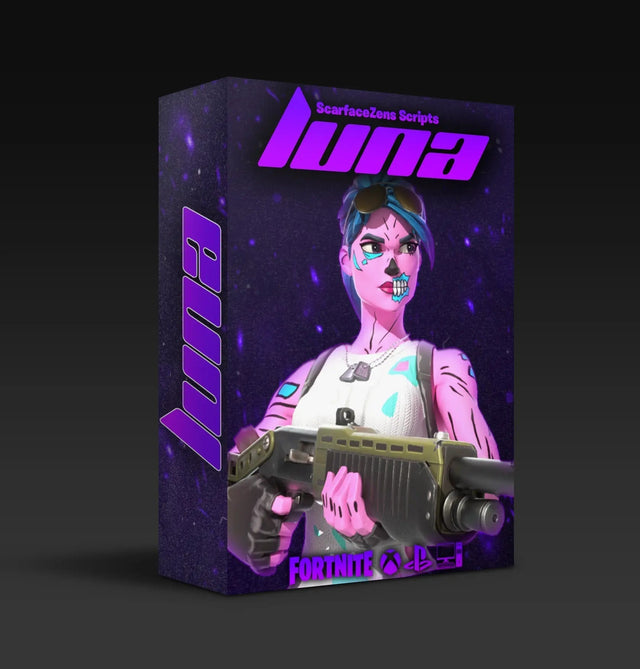
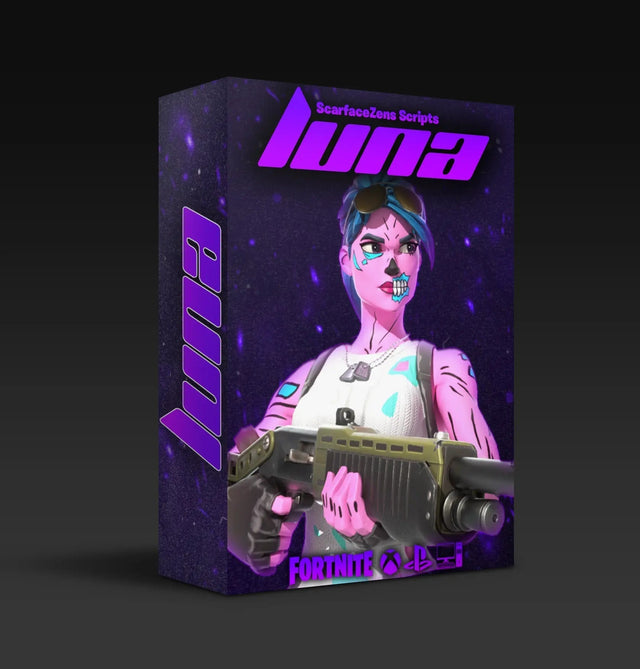
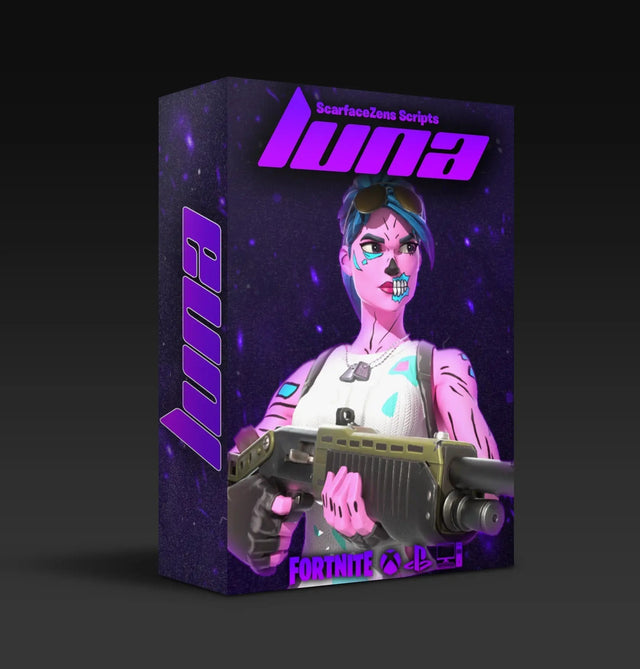
Scripts that let you tune this are the ones worth owning. Luna Elite runs adjustable aim assist boosters rather than a fixed strength, supports both Linear and Exponential curves, and puts an on-screen menu on the Zen itself so you can change values between matches without a PC.
$49.99 USD at time of writing, down from a $58.99 compare-at price. Rated 4.9 out of 5 across 903 reviews. See every mod in the current build →
What is Fortnite's Tweak Zone, exactly?
Epic added Tweak Zone Aiming in the v41.00 update that opened Chapter 7 Season 3, and it lives under Controller settings. Epic's own pitch for it was long-range shots and turning body shots into headshots.
The mechanic is narrow and specific. Normally the first sliver of stick travel sits inside your dead zone and gets discarded. With Tweak Zone on, that sliver moves your crosshair across the screen rather than swinging the whole camera.
By the time the Override season notes went out with v42.00 in August 2026, the setting had grown options: you can configure the zone's area, adjust its crosshair sensitivity, and choose when it kicks in. That is three more variables sitting between your thumb and the game.
Why that collides with a Cronus Zen script
A Zen script does not inject big sweeping stick movements. Anti-recoil is a stream of small downward nudges, and aim assist boosting is a stream of small corrections applied many times a second.
Both of those live in the same input range Tweak Zone just claimed. Before Chapter 7 Season 3, a correction smaller than your dead zone simply vanished. Now it moves your crosshair, at a sensitivity you set separately from your normal look sensitivity.
That is why the symptoms look so strange. The script is behaving exactly as tuned, and the game is reinterpreting its output.
How do you tell if Tweak Zone is the problem?
The tell is where the weirdness shows up. Tweak Zone only acts on small inputs, so a Tweak Zone conflict is worst when you are barely moving the stick and barely noticeable when you are swinging it.
Work through this in order and change one thing per test:
- Put both thumbs off the sticks in a Creative island and watch the crosshair. Movement with no input is drift, and drift that only happens with the script loaded points at the overlap.
- Hold a long spray at a wall. If the pattern pulls down cleanly it is fine. If it pulls down and wanders sideways, something is translating your anti-recoil into crosshair movement.
- Turn Tweak Zone off and repeat both tests. This is the single most informative thirty seconds in the whole process.
- Turn it back on with the area at its smallest. Now you know if it earns a place in your setup.
- Only then touch your script values. Tuning a script against a setting you have not isolated wastes the tuning.
Most people run step five first and then chase a number all evening. The order is the trick.
Should you turn Tweak Zone off if you run a Zen script?
Usually yes, and here is the reasoning rather than a flat rule. Tweak Zone and a script's aim assist boosting are solving the same problem, which is precision at small stick deflections. Stacking two solutions to one problem is how you end up with overcorrection.
| Setup | How it feels | Who it suits |
|---|---|---|
| Tweak Zone off, script tuned | Predictable. One system owns your micro-inputs and your tuning actually holds. | Almost everyone running a script |
| Tweak Zone on, script aim assist low | Workable for long range, slightly loose up close. | Snipers and ranged AR players |
| Both on at full strength | Drift at rest, overshoot on strafes, inconsistent sprays. | Nobody |
If you land in the middle row, keep the Tweak Zone area small and its crosshair sensitivity well below your look sensitivity. A wide zone at high sensitivity is where the overshoot comes from.
Whichever row you pick, what makes it liveable is adjusting the script side without a cable and a reboot. Luna Elite exposes its aim assist strength rather than shipping one fixed value, so you can drop it a step between games from the on-Zen menu. It is $49.99 USD at time of writing, reduced from $58.99, and the product page lists PlayStation 4 and 5, Xbox, PC and Nintendo Switch 1.
Get Luna Elite and tune the aim assist side properly →
How do you check what the Zen is actually sending?
Guessing from feel is how these sessions turn into evenings. The Zen can show you its real input and output instead.
Zen Studio's Device Monitor reads live data, and it needs the Zen connected to your computer through the PROG port with a mini-USB cable. The input area updates your controller's buttons and sensors in real time, and you can click up to four fields to plot them as a graph. The output area shows what is actually being handed to the console after the script has done its work.
Three readouts earn their keep. Active Slot tells you which script is live, or zero if nothing is loaded. CPU Load should sit under eighty percent, and VM Speed runs from one millisecond to forty with ten as the default.
Plot your right stick axes, hold a spray, and freeze the graph with Pause Plot. A clean anti-recoil curve on the Zen's output with messy aim in game means the game is reshaping it, and Tweak Zone is the first suspect. Full details on the panel are in the official Cronus device monitor documentation.
Does turning Tweak Zone off cost you anything?
This is the objection worth taking seriously, because Tweak Zone is genuinely useful on a stock controller. It gives you crosshair precision that your dead zone was otherwise eating.
A tuned script already gives you that precision, and gives it consistently rather than only inside a configured screen region. Luna Elite's listed features cover the same ground from the Zen side: stronger aim assist, smoother tracking, anti-recoil that keeps AR and SMG sprays flatter, and Linear and Exponential curve support.
So you are not giving up a capability. You are choosing which layer provides it, and the layer you can measure and adjust is the better choice.
What about the Season 4 aim assist change?
The Override update shipped one aim assist fix that matters if you play on slopes. Epic corrected a case where aim assist could pull away from an enemy while both players were moving up or down a hill, and separately stopped mobile aim assist activating with an empty weapon.
If you tuned your script before that fix landed, your values were partly compensating for the old behavior. Retest your tracking on uneven ground before you decide your script needs work. Accurate as of October 2026.
Chapter 7 Season 4 is the Override season, live since the v42.00 update on August 20, 2026. Our best Fortnite Cronus Zen script breakdown covers what to expect from a build tuned for this chapter, and the whole range sits in the Cronus Zen scripts collection.
Where this fits with your other settings
Three in-game settings decide how much of your script's work survives the trip to the game: Tweak Zone, your response curve and your dead zone. All three interact.
Set them in this order: dead zone first so you know what gets discarded, curve second so you know how travel maps to turn speed, Tweak Zone last. Our Fortnite aim assist settings guide covers the first two with starting values, and the wider Cronus Zen deadzone settings breakdown explains why stacking corrections in two places eats your stick travel.
If you would rather have someone look at your numbers than read another guide, around 30,000 players and the ScarZens team are in the Discord where setup help happens, and this exact conflict comes up weekly.
Call of Duty players reading this for the parallel: Black Ops 7 has no Tweak Zone equivalent, so the same diagnostic work there is purely dead zone and curve. Laser Elite handles the COD side with per-weapon anti-recoil, also $49.99 USD at time of writing.
FAQ
Where is Tweak Zone in Fortnite settings?
Under Controller settings, listed as Tweak Zone Aiming. Epic introduced it with the v41.00 update at the start of Chapter 7 Season 3, and later added controls for the zone's area, its crosshair sensitivity, and when it activates.
Does Tweak Zone work with a Cronus Zen plugged in?
Yes, because the game sees a normal controller and applies the setting to whatever stick values arrive. That is the root of the problem rather than a workaround. Both systems act on the same small inputs.
Why does my aim drift when I am not touching the stick?
Either stick drift on a worn controller or a small script correction being amplified into crosshair movement. Test with Tweak Zone off and the script unloaded to isolate it. If the drift survives both, the controller is the cause.
Should I change my deadzone after turning Tweak Zone off?
Probably not immediately. Your dead zone was measured against your controller, not against Tweak Zone, so it stays valid. Retest your script's anti-recoil strength instead, since that is the value Tweak Zone was distorting.
Do I need to redo this every season?
Only when a patch touches controller behavior, which Epic flags in the update notes. Response curve and dead zone are stable across seasons. Aim assist and anti-recoil values are the ones worth a quick retest after a big update.
The short version
Tweak Zone and a Zen script both operate on the smallest stick movements you make, so running both at full strength produces drift and overshoot. Turn Tweak Zone off, confirm your script output in the Device Monitor, then tune your aim assist strength from a known baseline.
Thirty seconds of isolation beats an evening of guessing.
Our flagship scripts.
Luna Elite, Laser Elite, Nets and Scar-Rust. One purchase each, with free updates for life.
Browse the scripts