Fortnite Reload Cronus Zen Script: Settings That Fit
Reload fights end close and fast, so your Battle Royale anti-recoil values start working against you. Here is the tune that fits, and how to hold both on the Zen at once.
 ScarZens Team
Oct 19, 2026
8 min read
ScarZens Team
Oct 19, 2026
8 min read

Your Battle Royale tune lands clean on a long range AR fight, then falls apart the second you drop into a close quarters scrap in Reload. The recoil values you spent an evening dialing in drag your shots into the floor, and by the time you have adjusted the fight is already over.
You do not need a second script for Reload. You need a second tune: lighter anti-recoil because the fights are short and close, aim assist carrying more of the work, and a dedicated memory slot so you can flip between your Battle Royale setup and your Reload setup straight from the controller.
Here is exactly what to change, what to leave alone, and how to hold both tunes on the Zen at once.
Run Luna Elite in your next Reload match →
Why does your Battle Royale tune feel wrong in Reload?
Reload is built around getting you back into the fight instead of ending your run on one mistake. That single difference reshapes every engagement you take.
In Battle Royale you choose your fights and a lot of them start at range. In Reload the fights choose you, and most of them resolve at close range in a couple of seconds.
Anti-recoil values are tuned against a sustained spray. A short burst at ten meters never reaches the part of the recoil pattern those values were built to cancel, so all that compensation does is pull your shots below the head.
The same logic runs the other way on aim assist. Long range fights reward a conservative setup that does not fight your own stick input, while close range tracking rewards a stronger pull that keeps the reticle glued through a strafe.
Which Luna Elite settings should you change for Reload?
Luna Elite ships with the mods that matter here already in place, so this is a tuning job rather than a shopping job. Work through the table below, change one thing at a time, and test in a real match rather than a creative island.
| Setting | Battle Royale | Reload | Why |
|---|---|---|---|
| AR anti-recoil | Your tuned long range value | Dial it back noticeably | Short bursts never reach the climb your value was built for |
| SMG anti-recoil | Moderate | Lighter again | SMG fights in Reload are close enough that vertical drag costs you headshots |
| Aim assist strength | Balanced | Stronger | Tracking through a close strafe is doing most of the work now |
| Aim curve | Whichever you already run | Worth testing both | Luna Elite supports Linear and Exponential, and they feel different up close |
| Edit macro speed | Your usual | Leave it alone | Edits are still edits, and the macro has three modes with a selectable speed |
| Hair triggers | On | On | Shaving travel off the trigger matters more as fights get shorter |
The practical starting point is to halve your AR anti-recoil value and play ten matches before you touch it again. If your shots are landing above the chest you went too far, and if they still drop you did not go far enough.
Luna Elite carries its own menu on the Zen screen, which makes this far less painful than it sounds. You adjust values from the pad between matches rather than reconnecting to a computer every time you want to move a number by two.
For the long range half of the equation, our Fortnite Cronus Zen anti-recoil settings by weapon breakdown gives you the baseline values to work down from.
How do you keep a Reload tune and a Battle Royale tune at once?
This is where the Zen earns its money and where most players never look. The device holds more than one thing at a time, and you do not need a PC to move between them mid session.
Cronus documents the whole arrangement in the Device panel inside Zen Studio. You drag a compiled script or a GamePack onto a slot, and from there the Zen keeps it on board.
Switching between loaded slots happens on the controller itself using a button combination, and the combination depends on which pad you are holding. On PlayStation controllers it runs off the PS button paired with Share, with a second toggle on PS and L3.
Two other things in that panel are worth knowing. Zen Flash shows how much of the onboard memory your loaded slots are eating, and Erase Memory Slots wipes the slots clean without resetting any of your other options.
Load your Battle Royale tune into one slot and your Reload tune into another. Then the swap is a button combination between matches instead of a cable, a laptop and five minutes you did not have.
Get the Fortnite script built for the current aim system →
Why does your aim feel late in Reload even with a good tune?
Close range punishes display lag in a way long range never does. At seventy meters a few milliseconds disappear into the flight time, and at seven meters it is the whole fight.
Cronus publishes a long list of display settings that quietly add delay, and the individual numbers are small enough that people dismiss them. The problem is that they stack.
The ones worth attacking first are image processing, motion smoothing, HDMI-CEC, power saving and ambient dimming modes, and running audio through the TV speakers. Each is a handful of milliseconds and together they add up to a lost duel.
- Rename the HDMI input to PC on Samsung and LG sets, which unlocks the low processing path.
- Turn Game Mode on if your set offers it alongside PC mode.
- Kill motion smoothing and any auto picture or auto color feature, then switch to manual settings.
- Disable HDMI-CEC and the power saving and ambient dimming options.
- Test every HDMI port, because they are not always equal on the same panel.
- Play at 120Hz or higher if your display supports it, since 60Hz makes the delay far more obvious.
The full breakdown with measured figures sits on the official Cronus display lag page, and it is worth twenty minutes of your evening. Fix this before you blame your tune, because no script compensates for a television adding delay to every input you make.
If you would rather sanity check your numbers against players already running the mode, the ScarZens Discord and its 30,000 members has per game tuning threads where people post the values they actually landed on.
Do you need a different script for Reload?
No, and this is the objection worth answering head on. Reload is Fortnite, so a Fortnite script covers it.
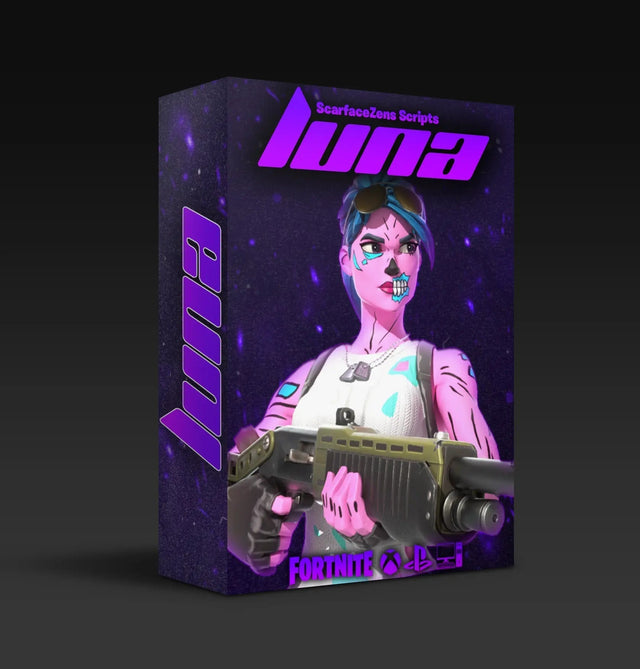
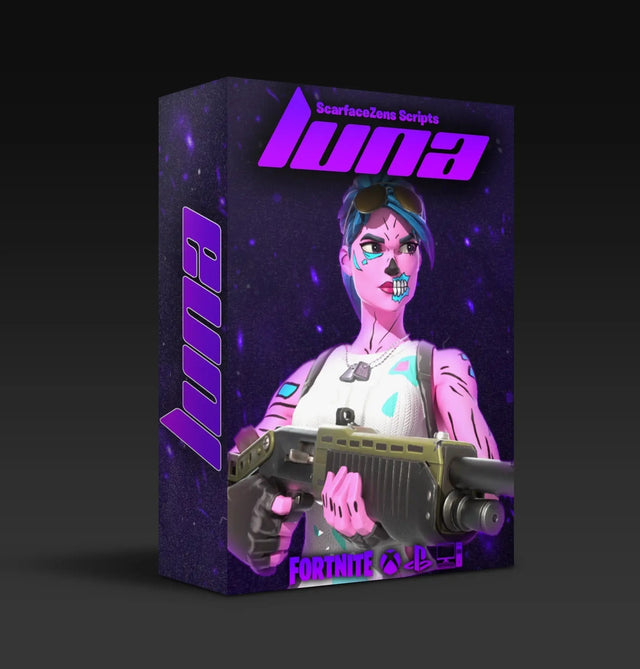
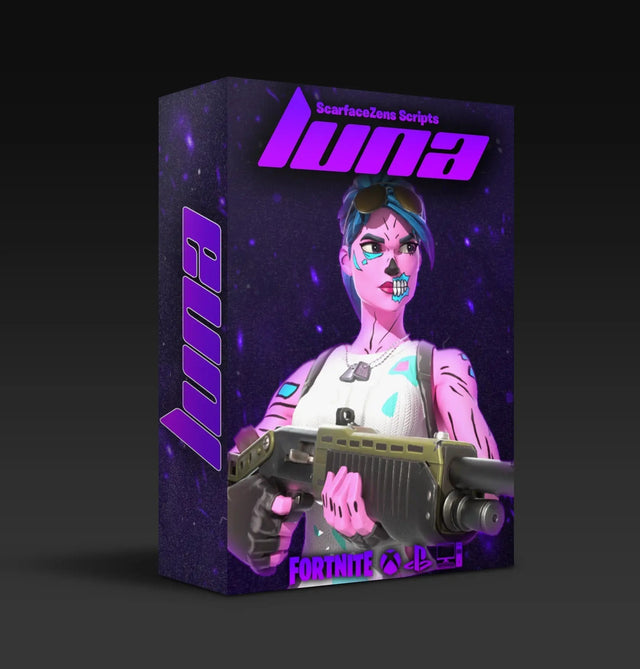
Luna Elite is the one we build for it. Per its product page it runs sticky aim and aim assist boosting with smoother tracking, support for Linear and Exponential curves, anti-recoil for both AR and SMG, an edit macro with three modes and a selectable speed, rapid fire, pickup and crouch macros, hair triggers, and a menu on the Zen screen so you can rebind and retune from the pad.
It also pauses itself while you are in menus, which stops the macros firing when you are rearranging your inventory. At time of writing it is $49.99, down from a $58.99 compare-at price, and the product page lists PlayStation 4 and 5, Xbox, PC and Nintendo Switch.
On the trust question, the Luna Elite product page currently shows 4.9 out of 5 across 903 reviews, and the storefront lists 4,000-plus customers worldwide.
If your evenings also include Call of Duty, Laser Elite is the companion. It runs aim assist boosting mods, per weapon anti-recoil with adjustable values and full auto weapon detection so profiles follow your gun instead of you switching by hand, tuned for Black Ops 7 and Warzone and working across most other FPS titles on PS5, Xbox and PC. It sits at the same $49.99 at time of writing.
Both live in the full ScarZens script collection if you want to compare them properly before deciding.
Players who spend most of their Reload time in the build free queue should also read our best Fortnite Zen script for Zero Build guide, since dropping builds changes which mods actually earn their slot.
Fortnite Reload Cronus Zen script FAQ
Does Luna Elite work in Fortnite Reload?
Yes. Reload runs on the same game and the same controller input path as Battle Royale, so the aim assist mods, anti-recoil and macros all carry over. What changes is the tuning, not the script.
Should anti-recoil be lower in Reload than Battle Royale?
Usually, yes. Most Reload fights end in short bursts at close range, and a value built for a sustained long range spray will pull those bursts below where you aimed. Halve it, play ten matches, then adjust from what you see.
Can I switch between two tunes without plugging into a PC?
You can. Load each tune into its own memory slot in Zen Studio first, then move between them on the controller with a button combination. On PlayStation pads that runs off the PS button with Share, and the combination differs depending on which controller you use.
Does Reload need different aim assist settings?
It rewards a stronger setup than long range play does, because close range tracking through a strafe is where most duels are decided. Luna Elite supports both Linear and Exponential curves, and the two feel noticeably different inside ten meters. Test both over a session rather than switching mid match.
Do I need to retune after every Fortnite update?
Not every update, but weapon changes are the trigger worth watching. When a patch adjusts the guns you actually use, your anti-recoil values are the first thing to check, and our best Fortnite Cronus Zen script guide tracks what matters each season.
The short version
One script, two tunes, two slots. Lighter anti-recoil and stronger aim assist for Reload, your long range values parked in the second slot, and a controller combination to move between them.
Fix your display lag before you spend another evening chasing numbers, because that is the one variable no tuning pass can cover for.
Our flagship scripts.
Luna Elite, Laser Elite, Nets and Scar-Rust. One purchase each, with free updates for life.
Browse the scripts