Fortnite Cronus Zen Script Not Working After an Update?
Your Fortnite Zen script probably isn't broken. Six checks that fix almost every post-patch problem, in the order that actually saves you time.
 ScarZens Team
Jul 30, 2026
9 min read
ScarZens Team
Jul 30, 2026
9 min read

You loaded in after the patch, held aim on someone at close range, and the tracking felt dead. Or the mod menu just never came up. Before you start wiping slots and reflashing firmware at random, know this: the script itself is almost never what broke.
If your Fortnite Cronus Zen script stopped working right after an update, it's usually one of four things:
- Zen firmware or Zen Studio is out of date
- Zen Studio is throwing an error you haven't read yet
- A faulty cable, or the wrong USB port
- In-game controller settings got reset by the patch
Work through them in that order. Don't touch a single aim or anti-recoil value until all four come back clean.
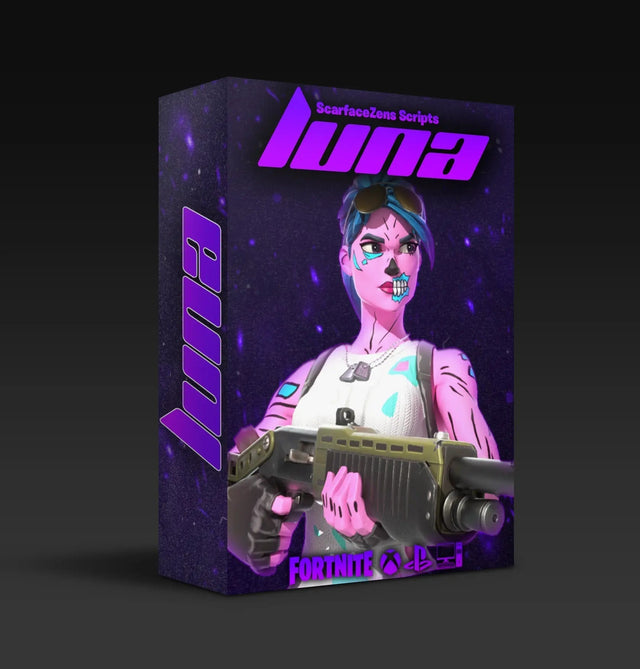
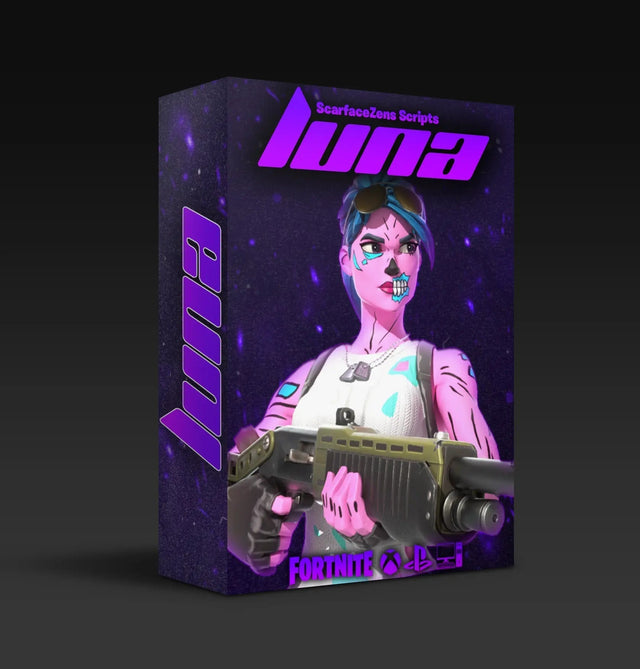
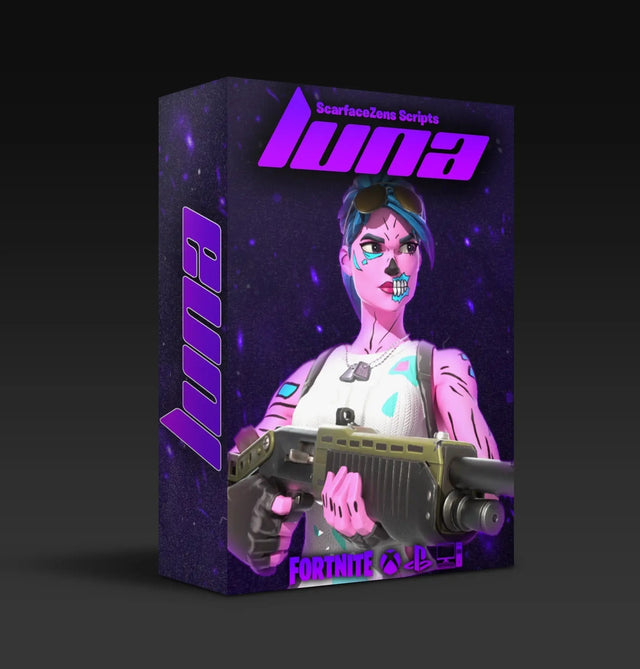
If you are here every patch: that is the difference between a maintained script and an abandoned file. Luna Elite is the best Fortnite Cronus Zen script we build, tuned for Chapter 7 and rebuilt when Epic changes something, so patch day stops being your problem.
$49.99 USD at time of writing, down from $58.99. 4.9/5 across 903 reviews, instant delivery, lifetime updates. See what is included →
Did Fortnite's v41.30 update change aim assist?
Not according to the notes. v41.30 landed on July 30, 2026 as the final major patch of Chapter 7 Season 3, and the published notes covered three new Sprites, the Springfield Reloaded map for Reload, and a Spider-Man crossover. Aim assist and controller input weren't in there.
So if your setup went sideways on patch day, odds are it broke on your end.
Big content drops like this one rarely touch controller feel. Balance patches sometimes do. Either way the checklist below doesn't change, so start at the top.
Why is my Fortnite Zen script not working? Six fixes
1. Update your firmware and Zen Studio first
Cronus puts firmware at step one of its own setup guide, ahead of installing Zen Studio, and that ordering exists for a reason. A script built against a newer toolchain can misbehave on old firmware, and Zen Studio itself will refuse to play nicely if it's more than a month behind.
The current firmware method is a web tool, not something buried in a menu. Hold the small blue reset button while you plug the Zen into your PC via the CONSOLE/PC USB port, and let go once the OLED reads ZEN BOOTLOADER with the LEDs glowing purple-blue. Then open the update tool at cronus.support/fw and hit connect.
Use a Chromium browser specifically. Cronus notes that Firefox and Safari will most likely fail, which is a fun ten minutes to lose if nobody tells you. The web tool isn't Windows-only either, though Zen Studio is.
You'll know it worked when the LEDs flash red, green, blue and the gear head logo shows up on the OLED. Takes about 20 seconds.
2. Read the error Zen Studio is actually giving you
This is the step people skip, and it's the one that names your problem outright. Cronus splits faults into hardware, firmware, and Zen Studio errors, and the Zen Studio ones map cleanly onto what you're seeing:
| Error in Zen Studio | What it actually means |
|---|---|
| Device Disconnected | The most common one. Cable isn't in the correct PROG USB port, the cable is faulty, or your PC port isn't supplying enough power |
| Programming Error | Faulty cable or corrupt Zen Studio files, or the script itself is out of date with code that's no longer compatible |
| Device connected but not responding | Zen Studio lost its pairing. Open the device panel and hit Find Device |
| Stuck on programming | Known issue. Reconnect the PROG USB cable, run Tools then Reset Zen Studio, then Find Device |
| More than a month old | Your Zen Studio version is stale. Reinstall the current one |
| Zen Studio won't open at all | No connection to Cronus servers, often an ISP or firewall block rather than anything wrong with your gear |
That second row is the one worth staring at on patch day. A Programming Error can mean the code in the script is simply out of date, which is the difference between a five second fix and an evening of guessing.
Worth knowing about the installer: Zen Studio's auto-updater has a known bug on some builds where it can't install itself. If an update window pops up, cancel it, uninstall what you have, then install the current version manually. That's v1.6.1 build 82 at time of writing.
3. Test the cable properly, not by looking at it
Cables die quietly, and every symptom they produce looks like a software problem. There's a proper way to test one: plug your controller straight into your PC or console and see whether it's detected. If it isn't, the cable is your answer and nothing else you do matters.
Programming happens through the rear PROG USB port. If your PC's port is weak on power, that alone can cause dropouts.
4. Check your in-game settings didn't reset
Patches sometimes knock controller sensitivity, advanced aim options, or build settings back to defaults. If your script was tuned around specific sensitivity values, defaults will make it feel completely wrong even though nothing in the script changed.
Open your Fortnite controller settings and compare them to what you had. If you never wrote those numbers down, do it this time. It turns a 20 minute panic into a 20 second check next patch.
5. Strip it back to nothing
Cronus recommends troubleshooting with no scripts or gamepacks loaded, because sometimes the loaded content is the fault you're chasing. Clear the slots, confirm the Zen behaves, then add your script back on its own.
While you're in there, check the slot you think is active is the one that's actually active. The Zen holds eight, and loading slot 1 while your Fortnite script sits in slot 3 looks exactly like "the script stopped working."
6. Retune, and keep your own copy
If all five check out and the feel is still slightly off, adjust values rather than replacing the script. One variable at a time, tested in Creative, before a real match. Changing four things at once tells you nothing about which one worked.
One thing to get right before you ever need it: scripts can't be backed up off the Zen. Cronus says so plainly, and a hard reset wipes the device to factory state. Keep your script files and your tuned values saved on your PC, and back up your mouse and keyboard profiles separately.
This is also where other people save you an hour. Stuck on a value, or staring at a compile error you can't read? Post it in the ScarZens Discord, where 30,000-plus members and the people who actually build these scripts can look at it.
Is a paid Fortnite Zen script worth it when patches keep landing?
Fair question, and it's really about update support rather than price. Cronus is direct about this in its own docs: it supplies gamepacks, not scripts, names faulty scripts as a primary cause of errors, and tells you to contact the script's creator. That only works if yours has a creator who answers.
A free script off a forum has nobody maintaining it. When a compiler change or firmware update leaves it throwing a Programming Error, it stays broken and you're back to reading threads from 2023.
What Luna Elite does differently on patch day
- Rebuilt and reissued when a season or balance patch lands, included with the copy you own
- Defaults tuned for Chapter 7, so there is nothing to reverse engineer after an update
- Aim assist boosters, smooth shake-free auto tracking, optimized pickup macro, advanced on-controller mod menu
- 24/7 support and a Discord where the people who build it actually read your error
$49.99 USD at time of writing, down from $58.99. 4.9/5 from 903 reviews. Instant delivery straight after checkout.
Run Luna Elite and stop rebuilding your config every patch →
Same logic if you play more than Fortnite. Laser Elite covers Black Ops 7, Warzone, and most other FPS titles across PS5, Xbox, and PC, with per-weapon anti-recoil you can adjust and full auto weapon detection for BO7. It's also $49.99 at time of writing, and we broke down what shifted for COD players in our BO7 Season 5 script write-up.
Setting up for the first time rather than repairing something that used to work? Start with our Fortnite Cronus Zen setup guide, then come back to this checklist when you actually need it. The full Fortnite picture, with every guide we have, is in our guide to the best Fortnite Cronus Zen script.
FAQ
Why did my Fortnite Zen script stop working after the update?
Usually firmware, an unread Zen Studio error, a cable, or reset in-game settings, rather than the patch changing aim assist. Update firmware and Zen Studio first, then read whatever error Zen Studio gives you when you program the slot. Suspect the game itself only after that.
What does Programming Error mean on Cronus Zen?
Three possible causes: a faulty USB cable, corrupt Zen Studio files, or a script containing code that's no longer compatible with current versions. Try Tools then Reset Zen Studio and a different cable first. If it persists on a known-good cable, the script needs updating.
Do I need to redownload the script after every Fortnite patch?
Usually not. Most patches don't require a new build and your existing script keeps working. When a game update or a Cronus toolchain change does force a rebuild, that's exactly what update support on a maintained script is for.
Why does my aim assist feel weaker after a patch?
Check your in-game controller sensitivity and advanced aim settings before anything else, since patches can reset them to defaults. A script tuned around your old numbers will feel wrong at default settings even though the script didn't change.
Will a hard reset delete my scripts?
Yes. A hard reset returns the Zen to out-of-the-box state, and scripts can't be backed up off the device. Keep separate copies of your script files and your mouse and keyboard profiles on your PC so a reset costs you ten minutes instead of your evening.
What should I do before a new season drops?
Update firmware, write down your current values, and reset to defaults once the season is live rather than stacking old tuning on a changed game. Full checklist in our Season 4 prep guide.
Before you post "my script is broken"
Firmware, error message, cable, settings. Four checks, maybe five minutes, and most patch-day problems don't survive them.
Running Luna Elite specifically? The Luna Elite fix checklist covers the slot, build version and controller passthrough checks that apply to that script in particular.
If you want the detail on what Luna Elite does once it's running properly, our Luna Elite review goes through the mods one at a time. You can also line all four scripts up side by side on the Cronus Zen scripts collection page.
Our flagship scripts.
Luna Elite, Laser Elite, Nets and Scar-Rust. One purchase each, with free updates for life.
Browse the scripts