Fortnite Build Macros on Cronus Zen: Why Edits Misfire
Recorded build macros that drop inputs are almost never your reflexes. Here is what MAX COMBO really does and the four things that break edits.
 ScarZens Team
Sep 29, 2026
6 min read
ScarZens Team
Sep 29, 2026
6 min read

You record a clean wall, ramp, cone sequence, flash it to your Zen, and in a real fight it drops half the inputs. Or the edit lands a beat late, the box is already peeked, and you are the one in the killfeed. Build macros fail on Cronus Zen for a short list of reasons, and none of them are your reflexes.
Why do my Fortnite build macros fire late or not at all?
The short answer is that MAX COMBO does not record a macro your Zen replays on its own. According to the official Cronus documentation it is a Zen Studio plugin that reads your controller inputs and converts them into GPC code, which you then have to paste into a script and compile. Skip the compile and flash, and your device is still running whatever was on the slot before.
The other three causes are nearly as common. Your Zen is sitting in Tournament Mode, which disables the compiler and shuts scripts out entirely. Or your macro speed is tuned tighter than Fortnite will register, or the buttons the macro presses no longer match your in-game binds.
Skip the recording and run edit macros already tuned for Chapter 7 →
What MAX COMBO actually does in Zen Studio
MAX COMBO is one of three Zen Studio plugins documented by Cronus, alongside MAX MAPPER and MAX REC. Cronus describes plugins as add-ons that extend what Zen Studio can do, rather than features baked into the device itself.
The capture flow is tighter than most tutorials admit. You name the combo, pick your capture options, and hit start, which gives you a three second countdown before it begins reading inputs. From there you get a thirty second window per session, and you either stop it yourself or let the memory buffer fill up.
You also get real control over what gets recorded. Accelerometer and touchpad data can be included or left out, and stick deadzone is adjustable during setup. The output is GPC code you copy into a script, which is the step almost everyone misses.
The official plugin page lives in the Cronus MAX COMBO documentation if you want to work through the capture flow yourself.
The four reasons a recorded build macro misfires
| Symptom | Most likely cause | Fix |
|---|---|---|
| Nothing happens at all | Generated GPC code was never compiled and flashed to a slot | Paste the code into the Programmer panel, compile, flash, confirm the slot is active |
| Scripts ignored across every game | Device is in Tournament Mode | Switch back to Normal Mode, which restores full script access |
| Some inputs land, others vanish | Macro speed is faster than the game reads consecutive presses | Slow the macro step timing and retest |
| Wrong pieces get built | Recorded buttons no longer match your Fortnite binds | Re-record after any bind change, or remap with MAX MAPPER |
That last row catches more players than any other. A recorded combo presses physical buttons, so it has no idea you moved your ramp bind last week. If you changed a single build or edit bind, treat every recorded macro as stale.
Does Tournament Mode stop build macros?
Yes, and it is worth checking before you rebuild anything. Cronus documents Normal Mode as the default, with full access to scripts and GamePacks, and Tournament Mode as the state where the compiler is disabled and script access is blocked while data throughput is optimized.
There is also a Wheel Mode, which exists for compatible racing wheels and has nothing to do with build macros. If your Zen is in the wrong operational mode, no amount of retuning will help. Our full walkthrough of Cronus Zen Tournament Mode covers how to tell which state you are in.
Why macro speed matters more than macro length
Most players who record their own edits chase a longer sequence when they should be chasing a reliable one. A four piece build that lands every time beats a nine piece sequence that works in Creative and falls apart in a real endgame.
Test in Creative with a build sensitivity you actually play on, then add one step at a time. When a step starts dropping, you have found your speed ceiling. It helps to compare tested edit speeds with other Luna players in the ScarZens Discord instead of guessing your way through values alone.
Input latency muddies all of this too, because a macro that fires correctly still looks broken if your display is adding frames. If your edits feel uniformly late rather than randomly dropped, start with Cronus Zen input delay in Fortnite before you touch macro timing.
Record your own, or run a tuned script?
The fair objection to buying anything here is that MAX COMBO is free and already on your machine. That is true, and if you enjoy the tuning work, the documentation above is all you need. What you are paying for with a script is the tuning you do not have to redo every patch.
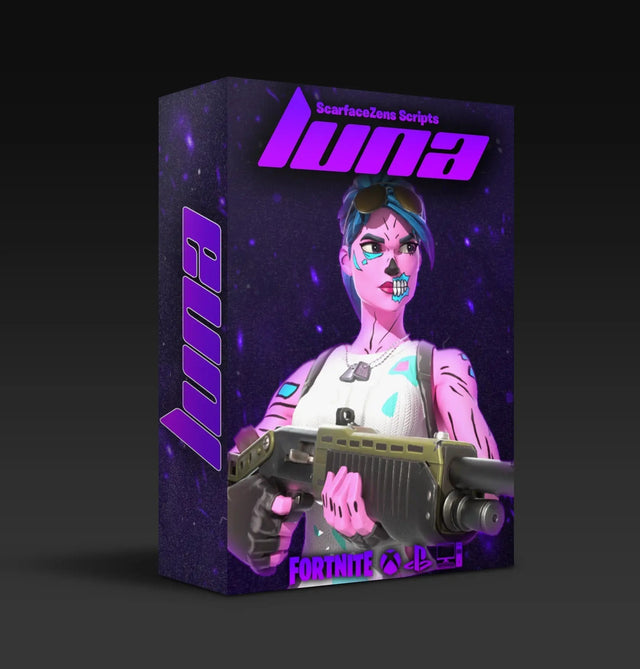
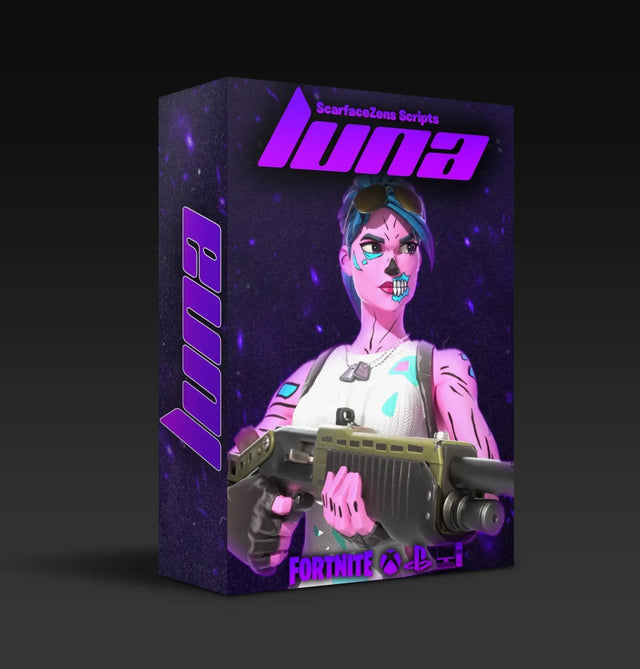
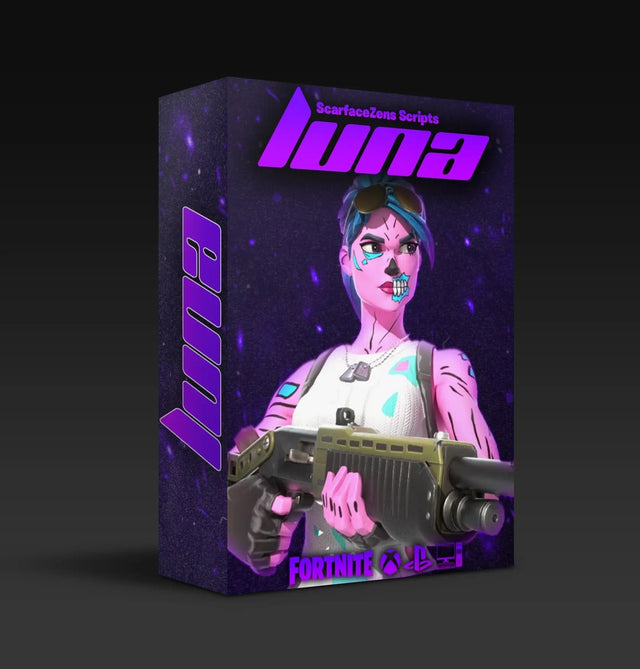
Luna Elite is our Fortnite script, and per its product page it ships three selectable edit macro modes with adjustable speed, a turbo pickup macro, rapid fire on R2, hair triggers, a crouch macro and adjustable binds. Anti-recoil and the aim assist mods sit in the same build, so you are not juggling separate slots to get edits and recoil control together. It is $49.99 at time of writing, down from a $58.99 compare-at price.
Social proof worth checking yourself: the Luna Elite page shows 4.9 out of 5 stars across more than 900 reviews at time of writing. If Call of Duty is your second game, Laser Elite covers Black Ops 7 and Warzone with per-weapon anti-recoil and full auto weapon detection, also $49.99 at time of writing.
Get three edit macro modes instead of recording your own →
If you are still deciding between scripts, our breakdown of the best Fortnite Cronus Zen script compares the options properly, and the full Cronus Zen scripts collection shows what each one covers. Players who want pure button layout changes rather than sequences should read our Cronus Zen button mapping for Fortnite guide instead.
Frequently asked questions
Is MAX COMBO the same thing as MAX MAPPER?
No. Cronus documents MAX MAPPER as the plugin for remapping buttons, analog sticks and sensors, and you can keep as many remapper profiles as you need. MAX COMBO is the one that reads a sequence of inputs and turns it into GPC code for a script.
How long can a single recorded combo be?
Cronus documents a three second countdown followed by a thirty second capture window per session. You can stop the capture early or let the memory buffer fill on its own. In practice a much shorter sequence is more reliable in a real match.
Why did my recorded edits stop working after a Fortnite update?
A recorded macro fires fixed buttons at fixed intervals, so it breaks when the inputs underneath it change. Bind resets, controller preset changes and shifts in how quickly the game accepts consecutive presses all cause it. Re-record or retune after any major update rather than assuming the script is at fault.
Can I run a build macro and anti-recoil at the same time?
Yes, as long as both live in the same compiled script on the same slot. That is how Luna Elite is packaged, with edit macros, pickup, rapid fire and anti-recoil in one build. Two separate scripts fighting over one slot is a common self-inflicted problem.
Do I need Tournament Mode off to use build macros?
Yes. Cronus documents Tournament Mode as disabling the compiler and blocking script access, so Normal Mode is the one you want for any script or macro work. Check this first whenever nothing at all seems to load.
Our flagship scripts.
Luna Elite, Laser Elite, Nets and Scar-Rust. One purchase each, with free updates for life.
Browse the scripts