Cronus Zen Wireless Controller Not Pairing? Fix Guide
Pairing mode, the A1 authentication controller, and why Xbox pads never connect over Bluetooth. Every wireless Cronus Zen fix in one checklist.
 ScarZens Team
Sep 16, 2026
8 min read
ScarZens Team
Sep 16, 2026
8 min read

You pressed the pairing button, held sync on your controller, and watched two sets of lights blink at each other until one of them gave up. Nothing connected. Wireless pairing on a Cronus Zen fails for a small number of very specific reasons, and every one of them has a fix.
The short answer: press the P2 button on your Zen until the RGB lights flash blue, then put your controller into its own pairing mode. PlayStation controllers use Share plus PS, a Switch Pro uses its sync button, and Xbox controllers cannot pair over Bluetooth at all. Xbox pads need the official wireless adapter in port A3, and a DualSense on PS5 needs the ZenLink module or it will drop the connection.
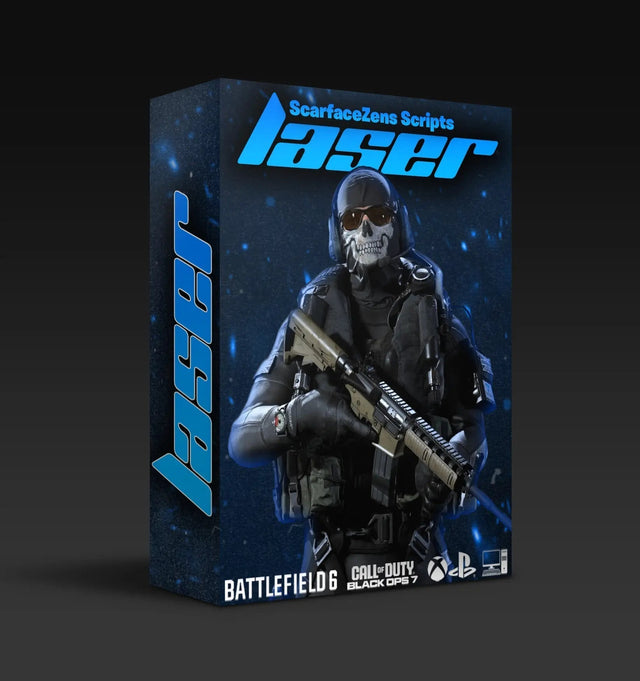
Once the pad stays connected, the script in the slot is what decides whether any of this was worth the effort. Laser Elite is our Call of Duty build for Black Ops 7 and Warzone, $49.99 USD at time of writing against a $58.99 compare-at price. See what Laser Elite runs in BO7 and Warzone →
Why won't my controller pair with the Cronus Zen?
Pairing is a two-sided handshake. The Zen has to be listening, and the controller has to be broadcasting, and both only stay in that state for a short window.
Most failures come down to one of these five things. Work through them before you assume the device is faulty.
- The Zen was never in pairing mode. The RGB lights have to be flashing blue. If they are not, P2 was not held long enough.
- The controller is not the right type for wireless. Xbox pads do not pair to the Zen over Bluetooth, no matter how long you hold sync.
- No authentication controller is plugged into A1. This is the step that catches almost everyone running a mismatched pad.
- The Zen is short on power. Wireless pairing is one of the first things to fail when the device is underfed.
- Firmware or output protocol is wrong. Switch Joy-Cons in particular need the output protocol set before they will pair.
How do you pair a PlayStation controller to the Cronus Zen?
This is the simplest path, and it works for DualSense, DualSense Edge and DualShock 4. Have the Zen powered and the controller charged before you start.
- Press and hold the P2 button on the Zen until the RGB lights start flashing blue.
- On the controller, hold Share and the PS button together until the lightbar begins to flash.
- Wait. When both the lightbar and the Zen lights stop flashing, the pad is paired.
If the lightbar flashes and then goes dark without ever settling, the controller found nothing to connect to. Restart the sequence and put the Zen into pairing mode first, not second.
Why won't my Xbox controller pair over Bluetooth?
Because it cannot. Xbox controllers have no Bluetooth path to the Zen, and the console sync button does nothing useful here.
Xbox pads go wireless through the official Xbox wireless adapter instead. Plug the adapter into port A3, then connect your controller to A2 with a USB cable and give it a few seconds.
Now pull the cable out of A2. The adapter LED will flash while it negotiates, and once it settles the pad is paired and free of the cable.
What about Nintendo Switch controllers?
A Switch Pro controller pairs the same way a PlayStation pad does. Put the Zen into pairing mode with P2, hold the sync button on the Pro, and watch for the player LEDs to blink green and then stop.
Joy-Cons are fussier and need setup work first. Connect the Zen to a computer through the PROG port, open the Device panel in Zen Studio, and set the emulator output protocol to Nintendo Switch.
Then pair each Joy-Con on its own. Put the Zen in pairing mode, press sync on the left Joy-Con until its player LEDs flash, and wait for the Zen lights to turn red and the Joy-Con to buzz. Repeat the same press on the right one.
Playing handheld rather than docked adds one more requirement. The Zen connects to the dock from its console side port, so going dockless means an OTG USB-C adapter in between.
Which controllers actually work wirelessly?
Not every pad supports every connection type, and knowing that up front saves an hour of blinking lights. This is the part worth checking before you buy a second controller.
| Controller | USB | Bluetooth to Zen | Xbox wireless adapter |
|---|---|---|---|
| DualSense and DualSense Edge | Yes | Yes | Not applicable |
| DualShock 4 | Yes | Yes | Not applicable |
| Xbox, all models | Yes | No | Yes |
| Nintendo Switch, all models | No | Yes | Not applicable |
| Astro C40 | Yes | No | Yes |
Full details on each pairing sequence live in the official Cronus wireless controller setup guide. Keep it open on your phone while you work through the steps.
The crossover rule almost everyone misses
Here is the step that breaks the most setups. If your wireless controller does not match the console you are playing on, a matching controller has to be wired into port A1 for authentication.
Say you are on a PS4 using an Xbox Elite Series 2 wirelessly. A DualShock 4 needs to be sitting in A1 on a cable while the Xbox pad talks to the adapter in A3.
Flip it around and the same rule holds. Playing on Xbox with a DualSense over Bluetooth means an Xbox controller stays plugged into A1 the whole time.
That second pad is not decoration and it is not optional. Skip it and the console refuses the input, which looks identical to a pairing failure. Our walkthrough on Cronus Zen crossover controller setup covers the full matrix of console and controller combinations.
Why does my DualSense keep dropping on PS5?
PS5 is the one platform where wireless is not a straight Bluetooth story. A DualSense running through a Zen will disconnect from a PS5 unless the ZenLink Wi-Fi expansion module is doing the work.
ZenLink is what delivers full native PS5 support, including rumble, haptics, adaptive triggers, the touchpad and gyro. There was an unofficial workaround floating around called the PS5 bypass, and it is no longer supported.
If your pad connects fine and then quits a few minutes into a session, that is a different fault with a different cause. Our checklist for a Cronus Zen not detecting your controller covers the cable and port side of it.
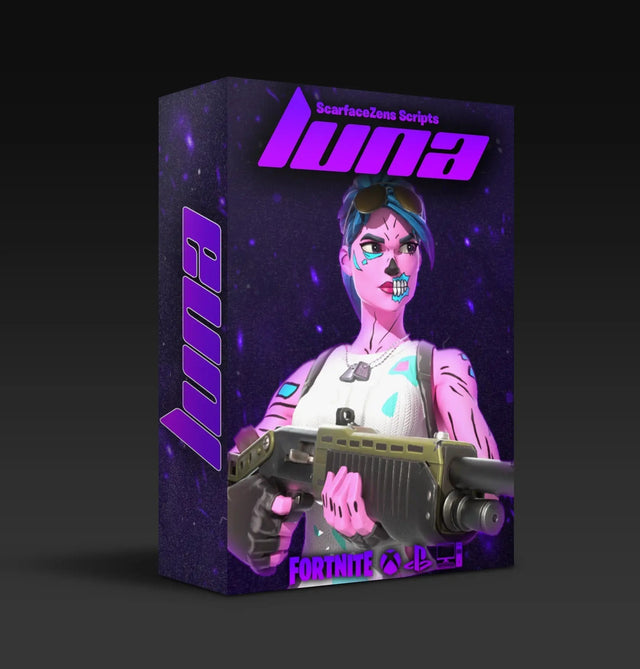
Playing Fortnite once the pad finally holds a connection? Luna Elite is our Chapter 7 build, with aim assist boosters, anti-recoil and pickup macros, also $49.99 USD at time of writing. Set up Luna Elite for Fortnite Chapter 7 →
What you give up by going wireless
Worth knowing before you cut the cable, because this one surprises people. Controller audio does not survive a Bluetooth connection.
A DualSense wired into the Zen keeps its wired headset support, its speaker and its mic. Pair that same pad over Bluetooth and all three go quiet.
Power is the other thing to plan for. Cronus recommends a powered USB hub with a 5V aux port between your computer and the Zen, and it clears up a surprising range of problems including pads that will not pair, laggy response, missing rumble and dead adaptive triggers.
If you have run every step here and the lights still refuse to settle, a second pair of eyes on your exact hardware beats another generic list. That is what the 30,000-member ScarZens Discord is for, and our setup help lives there rather than in a ticket queue.
FAQ
How do I put my Cronus Zen into pairing mode?
Hold the P2 button on the device until the RGB lights flash blue. That flashing is the only confirmation you get that the Zen is listening. If the lights are steady, it is not in pairing mode yet.
Can I use an Xbox controller wirelessly on a PlayStation with a Zen?
Yes, with two requirements. The Xbox pad connects through the official Xbox wireless adapter in port A3, and a PlayStation controller has to be wired into A1 for authentication. Both pieces are needed, not one or the other.
Do I need ZenLink for wireless on PS5?
For a stable connection with full native PS5 features, yes. Without it a DualSense will disconnect from the console. ZenLink is what carries rumble, haptics, adaptive triggers and gyro through to the game.
Will my headset still work if I pair wirelessly?
No. Controller audio, including a wired headset, the DualSense speaker and its mic, only works over USB. If voice chat matters to you, stay on the cable.
Does a paid script change any of this?
No, and we would not claim otherwise. Pairing is a hardware and firmware matter, and no script file touches it. What a maintained script fixes is the separate problem of mods breaking after a game patch, because someone is retuning and reissuing the file.
Get the connection right first
Pairing mode first, matching controller in A1 second, correct adapter third. Follow that order and most wireless setups come up on the first try.
Once your pad is stable, the script is the part that changes how games feel. Our four builds cover Fortnite, Call of Duty, NBA 2K27 and Rust Console, and they sit together in the Cronus Zen scripts collection. Rust Console players can go straight to Scar-Rust.
Still deciding which one fits your setup? Our overview of which Cronus Zen script to run for your game lays all four out side by side.
Across the store the scripts hold a 4.9 out of 5 average customer rating from 4,000 plus customers worldwide, with Laser Elite alone carrying 625 reviews at that same 4.9 average.
Our flagship scripts.
Luna Elite, Laser Elite, Nets and Scar-Rust. One purchase each, with free updates for life.
Browse the scripts