Cronus Zen Crossover Setup: Any Controller, Any Console
Crossover needs two controllers, not one. Here is which pad goes in A1, which goes in A3, and how to set the output protocol your console accepts.
 ScarZens Team
Sep 13, 2026
8 min read
ScarZens Team
Sep 13, 2026
8 min read

You want your DualSense on the Xbox, or your Elite pad on the PS5. You plugged the controller into the Zen, tapped reset, and the console did nothing at all. Nothing is broken, you are just missing the second controller.
A crossover setup needs two controllers plugged in at once. A controller that matches the console you are playing on goes into the A1 port to handle authentication, and the controller you actually want to hold goes into A3. Set the output protocol in Zen Studio's Device panel to your console first, then connect the Zen to the console through the CONSOLE/PC port.
That is the whole trick. The console never sees your preferred pad, it sees the authentication controller in A1, and the Zen passes your inputs through as if they came from that pad.
See what Laser Elite does with a DualSense in the chain →
What is a crossover setup on the Cronus Zen?
A default setup pairs matching hardware, so an Xbox controller on an Xbox console. A crossover setup deliberately mismatches them, so a DualSense on an Xbox Series X, or an Xbox Elite pad on a PS4.
Consoles refuse controllers they do not recognize, which is why the mismatch alone gets you nowhere. The authentication controller in A1 is what satisfies that check. It just sits there plugged in, and you never touch it during a match.
People do this for three reasons. Stick layout and grip preference is the big one, since plenty of players learned on one pad and never adapted to the other. Feature access is the second, and battery life or a spare pad is the third.
Which port does each controller go in?
Port confusion is where most crossover attempts die. The Zen has several USB ports and they are not interchangeable.
| Port | What goes there in a crossover setup |
|---|---|
| CONSOLE/PC | Short USB cable running to the console itself |
| A1 | Authentication controller, matching the console brand |
| A2 | Temporary slot used when pairing an Xbox wireless adapter |
| A3 | Your crossover controller, or the Xbox wireless adapter |
| PROG | Cable to your PC for Zen Studio only, never to the console |
Once everything is seated, power on the controller and tap the small reset button on the Zen. Pairing takes a few seconds. If you want the full breakdown of what each socket does, our guide to Cronus Zen ports explained covers every one of them.
How do you set the output protocol?
The output protocol tells the Zen which console to impersonate, and getting it wrong produces exactly the same dead silence as a wiring mistake. Connect the Zen to your PC through the PROG port, open Zen Studio, and set it in the Device panel.
Auto handles most setups fine if you are not running the expansion module. If you are, you have to name the console explicitly or nothing works. Cronus documents the whole sequence on its official USB controller setup page.
One detail catches people out repeatedly. A hard reset drops the output protocol back to Auto, so if you hard reset to fix an unrelated problem and your expansion module setup stops working, that setting is the first thing to recheck.
Can you run a crossover setup wirelessly?
Yes, with a catch that depends entirely on which controller you want to hold. Bluetooth support is not universal across the pads people ask about.
- DualSense and DualShock 4 pair to the Zen over Bluetooth using the P2 pairing button, then Share and PS held on the controller
- Xbox controllers cannot pair to the Zen over Bluetooth at all, and need the Xbox wireless adapter instead
- Switch Pro and Joy-Cons pair over Bluetooth, but do not work over USB
- Going wireless costs you controller audio, so the headset, speaker and mic stop working through the pad
The authentication rule does not change when you go wireless. A matching controller still has to be wired into A1. Pairing an Xbox pad wirelessly to a PS4, for example, means the adapter sits in A3, the Xbox pad briefly touches A2 during pairing, and a DualShock 4 stays plugged into A1 the whole time.
If your PS5 setup drops out, refuses to pair, or loses rumble and adaptive triggers, Cronus points at power rather than wiring. A powered USB hub with a 5V auxiliary port resolves most of that class of problem.
Why bother, if your own controller already works?
For a lot of players the honest answer is that they should not bother. If you are on PlayStation with a DualSense, you already have the setup everything is built around.
Xbox players are the ones with a real reason. Laser Elite's product page ties its full auto weapon detection to a PS5 controller, and lists a manual gun picker for Primary and Secondary as the Xbox path instead. Putting a DualSense in the chain through crossover is how Xbox players get at the automatic behavior.
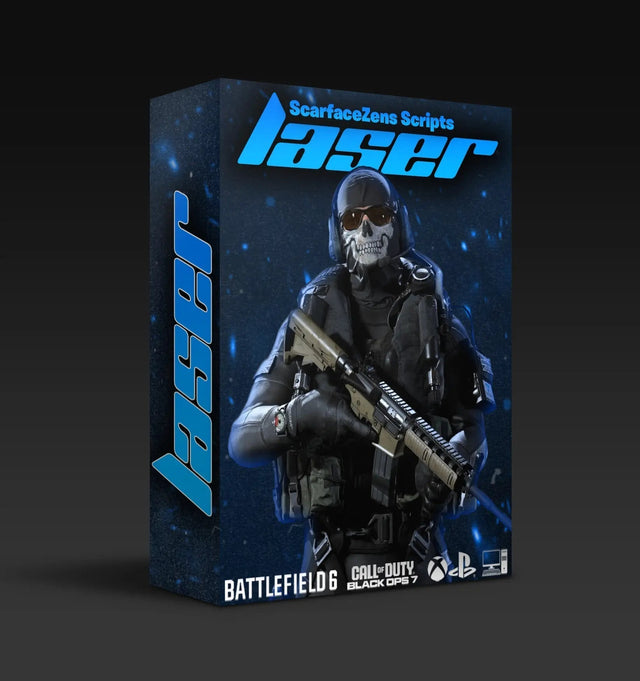
Laser Elite covers Black Ops 7 and Warzone with sticky aim assist, per weapon anti-recoil and that auto weapon detection, plus 20+ mods and a guided setup. It runs on PlayStation 4 and 5, Xbox and PC. At time of writing it is $49.99, down from a $58.99 compare-at price, and the product page shows 4.9 out of 5 across 625 customer reviews with 4,000+ customers listed storewide.
Get Laser Elite and let it pick your weapon profile →
The fair objection is that crossover adds a controller, a cable and a failure point to a setup that already works. That is true, and it is why we would not push anyone toward it who does not want a specific feature out of it. Wanting a familiar stick layout is reason enough, and wanting automatic profile switching is reason enough, but novelty is not.
What breaks a working crossover setup?
Crossover setups tend to fail in a small number of repeatable ways. Work down this list before assuming hardware trouble.
- The A1 controller does not match the console. A DualShock 4 will not authenticate an Xbox Series X. Match the brand to the console you are plugged into, not to the pad in your hands.
- The output protocol reverted. Check the Device panel in Zen Studio, especially after any hard reset.
- Something is in the wrong port. The crossover pad belongs in A3, not A2, and A2 is only a staging port during wireless adapter pairing.
- Your headset stopped working. Plug it into the crossover controller in A3 first. If that gives you nothing, try the authentication controller in A1, since combinations of headset, pad and console vary enough that neither Cronus nor anyone else guarantees every pairing.
- You are on Switch and skipped a setting. Pro Controller Wired Communication has to be switched on in the console's controller settings, the TV dock needs its 15V supply connected, and handheld mode needs a USB-C OTG adapter.
If you have worked through all of that and it still will not come up, the fastest route is showing someone your actual wiring. The ScarZens Discord runs setup channels where 30,000 members troubleshoot crossover wiring, and the same handful of port mistakes get spotted in a couple of messages.
Which script should you run once crossover works?
Crossover only decides which pad you hold, so the script is a separate choice driven by what you play. Both of our FPS scripts run on the Zen itself rather than on a specific controller, which is why the crossover question is about features rather than compatibility.
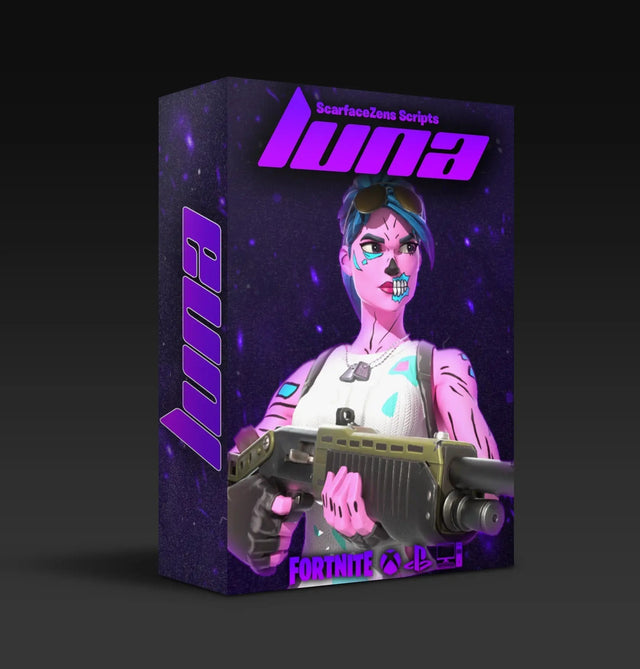
For Call of Duty, Laser Elite is the one, at $49.99 at time of writing. For Fortnite, Luna Elite covers Chapter 7 with boosted aim assist on both Linear and Exponential curves, Silent Aim, anti-recoil, edit macros, turbo pickup and hair triggers, also $49.99 at time of writing. Both are listed for PlayStation 4 and 5, Xbox, PC and Nintendo.
You can see them side by side in the full ScarZens script collection. If your Zen is not set up at all yet, start with our Cronus Zen setup guide for PS5, Xbox and PC and come back to crossover once the basics are running. For the wider picture on which script suits which game, our overview of Cronus Zen scripts and which one to run lays it out.
Cronus Zen crossover FAQ
Do I really need two controllers for crossover?
Yes. The authentication controller in A1 has to match the console, and there is no way around it in a crossover configuration. It stays plugged in and idle, so a cheap second-hand pad is enough.
Can I use a PS5 controller on an Xbox Series X?
Yes, through a crossover setup. An Xbox controller authenticates in A1, the DualSense goes into A3 by USB or pairs over Bluetooth, and the output protocol is set to Xbox in Zen Studio.
Does crossover add input lag?
The Zen sits in the signal path either way, so a crossover setup is not inherently slower than a matched one. What does cause trouble is underpowered USB, which is why a powered hub with a 5V auxiliary port is the standard fix for laggy or dropping connections.
Will my headset still work?
Over USB, usually yes, if you plug it into the controller before the controller goes into the Zen. Over Bluetooth, no, because wireless pairing drops controller audio including the speaker and mic. Cronus is upfront that headset behavior varies too much across combinations to promise.
Does the script care which controller I use?
Mostly no, since the script runs on the Zen. The exception is a feature that reads controller-specific behavior, like Laser Elite's auto weapon detection, which its product page ties to a PS5 controller.
The short version
Crossover is two controllers, not one. Match the pad in A1 to the console, put the pad you want in A3, and set the output protocol in Zen Studio before you blame the hardware. Get those three right and the rest is just cable management.
Our flagship scripts.
Luna Elite, Laser Elite, Nets and Scar-Rust. One purchase each, with free updates for life.
Browse the scripts