Cronus Zen Native vs Emulation: Which Mode to Use
Native sends your mouse and keyboard straight to the console and drops controller aim assist. Emulation keeps it, plus every script and mod.
 ScarZens Team
Oct 5, 2026
7 min read
ScarZens Team
Oct 5, 2026
7 min read

You bought a mouse and keyboard for console, plugged it into the Zen, and your aim got worse instead of better. Flicks overshoot, tracking feels loose, and the controller you were trying to leave behind suddenly looks more accurate. The mouse is almost never the problem.
On console, run emulation mode. Native passes your mouse and keyboard straight through to the console, so the game reads you as a PC player and controller aim assist is removed, and script and mod support goes with it. Emulation routes your input through the Zen first and converts it to controller signals, which keeps aim assist live and keeps your scripts running.
Run per-weapon anti-recoil on your MK setup →
What is the difference between native and emulation on Cronus Zen?
The split comes down to where your input lands first. In native mode the mouse and keyboard reach the console or PC directly and arrive unchanged. In emulation mode they go into the Zen, which translates every movement and keypress into controller output before the console sees any of it.
That single routing difference decides everything downstream. Native hands the game raw input, which is why it feels direct and needs no setup at all. Emulation hands the game a controller, which is why every Zen feature still stacks on top.
| What you get | Native | Emulation |
|---|---|---|
| Controller aim assist | Removed | Kept |
| Scripts, GamePacks and mods | Not supported | Fully supported |
| Sensitivity and key mapping control | None | Extensive |
| Game coverage | Select titles only | Broad |
| Setup required | None | Zen Studio configuration |
Cronus documents native as working in select titles only, with no GamePack, script or mod support and no customization options to speak of. Emulation is the documented mode that preserves aim assist while giving you sensitivity adjustment, custom key mapping and anti-recoil. Behavior accurate as of October 2026.
Does Cronus Zen mouse and keyboard keep aim assist?
Only in emulation. Native makes the game treat you as a PC player, and console shooters hand aim assist to controller input, so it disappears the moment your mouse talks to the console directly. Emulation keeps you inside the controller input path, so the game keeps applying it.
This is the main reason console players give up on mouse and keyboard. They compare a native setup against their old controller and decide that mouse on console just feels bad. What they actually measured was aim assist being switched off.
Coming from PC, you might genuinely prefer native, because raw input with no assist is what your muscle memory expects. Coming from a controller, emulation keeps the behavior you already know how to aim with.
Which platforms support Cronus Zen mouse and keyboard?
Cronus lists five platforms for the mouse and keyboard feature. PlayStation 5 is the one carrying an extra hardware requirement.
- PlayStation 5, which needs the Cronus Zen LINK Wi-Fi expansion module
- Xbox Series X and Series S
- Xbox One
- PlayStation 4
- Nintendo Switch
On hardware, Cronus keeps an official compatibility list but also notes that most standard USB keyboards and mice work even when they are not named on it. A wireless set running through a single USB receiver generally behaves like a wired one. The current list sits on the official Cronus supported platforms and devices page.
Keep Fortnite aim assist on mouse and keyboard →
How do you set up mouse and keyboard in emulation mode?
Work through this in order. The port assignments are fixed, and getting them wrong is the usual reason nothing shows up at all.
- Park the active script or GamePack first. Tap the right blue memory slot button until the screen shows the Collective Minds Alien logo, which leaves the Zen sitting on an empty slot.
- Controller into port A1. It stays plugged in, because emulation still needs a controller in the chain to emulate.
- Keyboard into A2, mouse into A3. Those two assignments are specific and not interchangeable.
- Connect the Zen to your computer using the PROG cable. That is the programming port, not the one running to your console.
- Open Zen Studio and check the Device tab. Both the mouse and the keyboard should appear under connected devices before you go further.
- Confirm real input in Device Monitor. Open it from the Tools menu, move the mouse and watch the right stick values change, then press W, A, S and D and watch the left stick values change.
One detail catches nearly everyone on the first attempt. Once your mouse and keyboard are talking to the Zen they behave as a controller, so they stop driving your PC until you switch them back. Keep a cheap second keyboard and mouse on the desk, or use a USB powered MK switch to flip between the two.
If Device Monitor shows nothing moving, the slot or the ports are almost always the cause. Our checklist for Cronus Zen mouse and keyboard not working covers the rest of the failure points, and which Cronus Zen USB port does what explains the layout in full.
Which scripts run alongside mouse and keyboard?
All of them, provided you are in emulation. That is the practical payoff for choosing emulation over native, because your per-weapon tuning and aim assist boost sit on top of mouse input rather than being replaced by it.
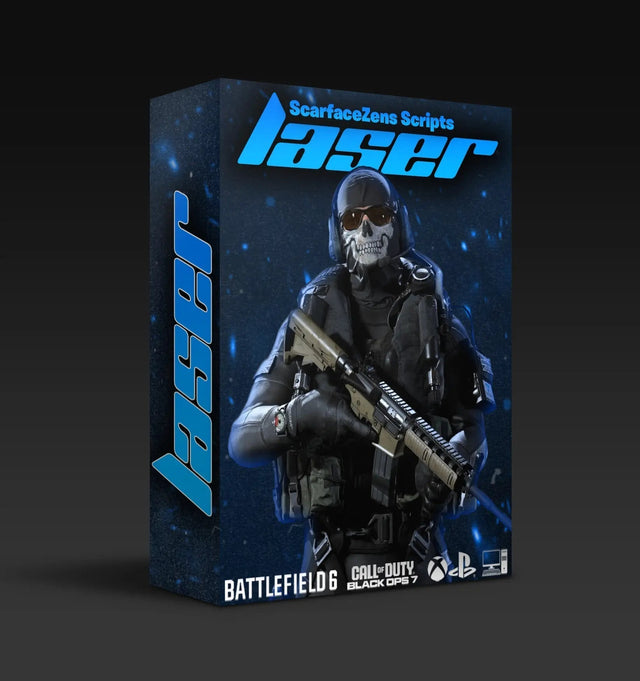
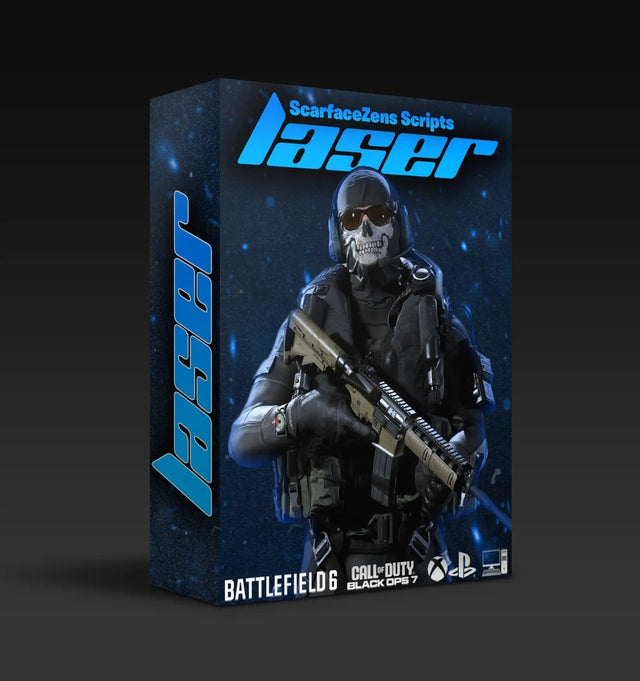
Laser Elite is our Call of Duty script, tuned for Black Ops 7 and Warzone. It runs sticky aim assist, per-weapon anti-recoil, full auto weapon detection on PlayStation 5 and a manual gun picker on Xbox, plus rapid fire and movement mods. At time of writing it is $49.99 against a $58.99 compare-at price, it works on PlayStation 4 and 5, Xbox and PC, and the product page lists free Modern Warfare 4 updates when that game launches.
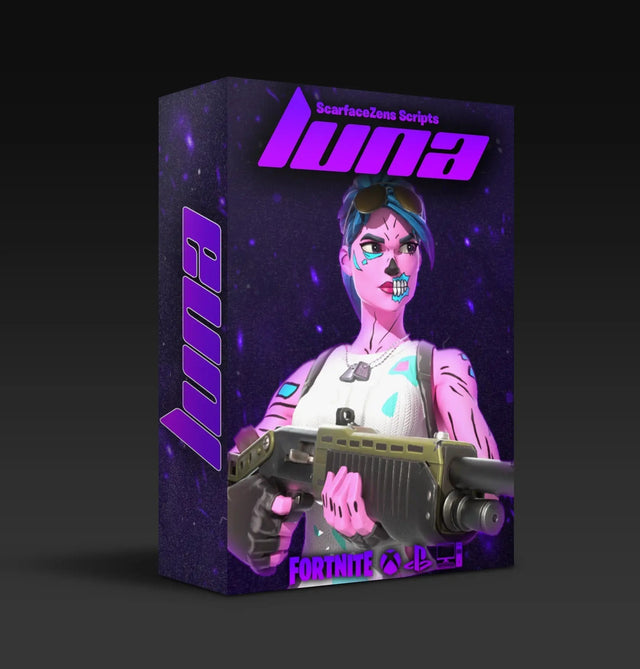
For Fortnite, Luna Elite covers sticky aim assist, anti-recoil, edit macros with three modes, rapid fire, pickup and crouch macros, hair triggers and an on-screen menu with custom binds. At time of writing it is also $49.99 against the same $58.99 compare-at price, and it lists PlayStation 4 and 5, Xbox, PC and Nintendo Switch. The product page shows 4.9 out of 5 from 903 customer reviews, and the store lists 4,000+ customers worldwide.
The fair objection is whether a script earns its place once you are already on a mouse. Recoil is the answer. A mouse makes your intended aim point far more precise but does nothing about the gun climbing away from it, which is exactly the job per-weapon anti-recoil does.
Rust Console players get the same arrangement through Scar-Rust, which is $49.99 at time of writing. All four sit in the ScarZens script collection if you want them side by side, and our Cronus Zen scripts guide breaks down which one to run for your game.
Mouse and keyboard players tune very differently from controller players, and sensible starting values are hard to find in videos. The 30,000-member ScarZens Discord has threads where MK users post working sensitivity and anti-recoil numbers per weapon, and the team answers setup questions there directly.
Cronus Zen mouse and keyboard FAQ
Is native or emulation better on PlayStation 5?
Emulation, for almost everyone on console. Native strips controller aim assist and leaves you without script or mod support, which removes most of the reason to own the device. Note that mouse and keyboard on PlayStation 5 also requires the Cronus Zen LINK Wi-Fi expansion module.
Do I still need a controller plugged in for emulation?
Yes. Emulation works by converting your mouse and keyboard input into controller output, so a controller stays connected to port A1 as part of the chain. Pull it out and the console loses the input path your mouse was riding on.
Why does my mouse stop controlling my PC after setup?
Because the Zen now presents those devices as a controller rather than as a mouse and keyboard. Cronus documents this directly and suggests either a second set of input devices or a USB powered MK switch. Most people end up with a spare keyboard on the desk permanently.
Does native mode work in every game?
No. Cronus describes native support as limited to select titles, so whether it works at all depends on the game you are loading. Emulation is the broader option precisely because the console only ever sees a controller.
Can I switch between native and emulation later?
You can. The difference is a wiring and configuration choice rather than anything permanent on the device, so moving between them means replugging and reconfiguring in Zen Studio. Keep a note of your emulation sensitivity values before you experiment with native.
The short version
Native is the simpler mode and the wrong one for most console players, because it hands back aim assist and script support in exchange for a shorter setup. Emulation costs you twenty minutes in Zen Studio and keeps everything you bought the Zen to do. Get your ports right, confirm movement in Device Monitor, then tune.
Our flagship scripts.
Luna Elite, Laser Elite, Nets and Scar-Rust. One purchase each, with free updates for life.
Browse the scripts