Cronus Zen Error Codes: Fix E3001, E3002 and More
E3001, E3002, stack overflow or a Firmware 0.0.0 screen? Here is what every common Cronus Zen error code means and the fix that clears it.
 ScarZens Team
Sep 17, 2026
7 min read
ScarZens Team
Sep 17, 2026
7 min read

Your Zen screen just flashed E3002, or Zen Studio threw a stack overflow the second you hit play. Your squad is in the lobby and you're staring at a code with zero explanation attached. Here's what each one actually means.
Most Cronus Zen error codes clear with one of three fixes: unplug everything for 10 seconds, do a hard reset, or reflash the firmware. E3001 means corrupted firmware, so you reflash it, and E3002 is a crash, so you power cycle first and hard reset if it returns. Stack and bytecode errors mean your script was built for a different firmware version, so you reset, update the firmware and load the script again.
Load a script that gets updated for current firmware →
What do the Cronus Zen error codes mean?
Cronus splits errors into three groups: hardware errors, firmware errors and Zen Studio errors. Knowing which group you're in tells you where to start. This table covers the ones people hit most, based on the official documentation as of September 2026.
| Error | What it means | First fix to try |
|---|---|---|
| E3001 | Firmware is corrupted or gone | Reflash the firmware |
| E3002 | The Zen crashed | Unplug all cables for 10+ seconds |
| Stack or bytecode overflow/underflow | Script made for another firmware version | Hard reset, update firmware, reload script |
| No Devices Found | Wrong port or a bad cable | Swap cable, check the port |
| Firmware 0.0.0 | An update got cut off partway | Run the firmware update again |
| DFU Download Failed | Weak USB connection or low power | Use a powered USB hub |
| Blank OLED screen | Faulty unit | Warranty claim |
How do you fix Cronus Zen error E3001?
E3001 is the Zen telling you its firmware is either damaged or missing entirely. Nothing you load will run until that's fixed. The answer is a clean firmware install.
Firmware now installs through the Collective Minds web updater, not through a button inside Zen Studio. Open it in Chrome or Edge, because Firefox and Safari tend to fail partway. To get into bootloader mode, hold the small blue reset button while you plug the Zen into your Windows PC through the CONSOLE/PC port on the back, then let go when the screen shows ZEN BOOTLOADER.
Our Cronus Zen firmware update guide walks through the web tool step by step. The whole flash takes around 20 seconds once it starts. You'll know it worked when the lights cycle red, green, blue and the gear head logo appears.
How do you fix Cronus Zen error E3002?
E3002 is a crash, and something specific usually sets it off. Start with the cheap fix before anything drastic.
- Pull every USB cable out of the Zen.
- Wait at least 10 seconds.
- Plug everything back in and test.
- Still crashing? Do a hard reset (steps below).
If the crash keeps coming back, one of these is almost always behind it:
- A dodgy cable or loose plug. Test your controller straight into the console or PC to confirm the cable is good.
- A script that doesn't agree with your setup. Cronus says to contact whoever wrote the script.
- A controller or input device the Zen doesn't support.
- Something plugged into the wrong USB port.
That last one catches more people than you'd think. If you're not 100% sure which port does what, read Cronus Zen ports explained before you touch anything else.
What causes stack and bytecode overflow errors?
These show up as stack underflow, stack overflow or bytecode errors. The usual cause is running a script or game pack written for a different firmware version than the one on your Zen. Old free scripts pulled from random forum threads are the classic culprit here.
The documented fix goes in this order:
- Hard reset the Zen.
- Program the latest firmware.
- Load a script into memory slot 1.
- Jump into a match and test it.
If the error only shows up with one specific script, that script is the problem, not your hardware. A maintained script gets rebuilt when firmware moves, which is exactly why abandoned files break first.
Run a Fortnite script that tracks firmware changes →
How do you hard reset a Cronus Zen?
A hard reset wipes the device back to how it came out of the box. It fixes most error states in a few seconds. Scripts can't be backed up straight off the device, so keep your own copies before you start.
- Disconnect everything from the Zen.
- Press and hold P1 and P2, the two big blue buttons on each side of the screen.
- Keep holding them and plug the Zen into your console or PC.
- Hold for at least 4 more seconds.
- Watch for the lights to run red, green, blue and the gear head logo to appear on screen.
After the reset, reload your scripts and set your slots up again. Our full Cronus Zen hard reset guide covers what the wipe takes with it and the order to rebuild in. If you run one of our scripts, guided setup and 24/7 Discord support get you back in a match in minutes.
What about firmware update errors?
Firmware errors pop up during the update itself, and each one points at a different weak link. Here's how to read them:
- No Devices Found: check the cable is solid and in the right port, then try another cable. A powered USB hub helps if your PC port is short on power.
- Firmware Version Incompatible: the firmware hasn't been updated yet, or Zen Studio isn't open. Go back and run the firmware update first.
- DFU Download Failed: usually a shaky connection or low power, so try a powered hub. If it keeps failing, the unit may be faulty and you'll want a warranty claim.
- Firmware 0.0.0: an earlier update was interrupted and left the firmware corrupt. Run the update again from the start.
- Network Error: your ISP or firewall is blocking the Cronus server. Pause the firewall briefly or try a VPN.
- Stuck on Flashing Firmware or Unexpected Error: pull every USB cable from the Zen and restart your computer.
If Windows won't recognize the Zen at all, the PC port often isn't supplying enough power. Swap to a different port or plug in through a powered hub.
Is my Zen broken if the screen stays blank?
If the OLED stays dark when you connect through either the CONSOLE/PC port or the PROG port, the unit is defective. No reset or reflash will bring it back. Cronus warranty runs between 90 days and one year depending on the package you bought, and the official Cronus hardware errors page explains how to claim it.
Before you write it off, rule out the cable. Try a known-good USB cable and a different port first.
How do you confirm the fix actually worked?
Open Zen Studio and press F3 to bring up Device Monitor. Mash a few buttons and move both sticks. If the inputs show up live, the Zen, the cable and the controller are all talking to each other.
From there, load your script and test it in a private match or practice mode before you queue. If something still feels off, the ScarZens Discord, where 30,000+ members and our admin team trade error fixes 24/7, is the fastest place to post your exact code and get an answer.
Will a paid script cause these errors?
This is the fair question, since Cronus lists incompatible scripts as a known crash trigger. The short answer: any script can clash with the wrong firmware, which is why updates matter more than features. What you want is a script someone actually maintains.
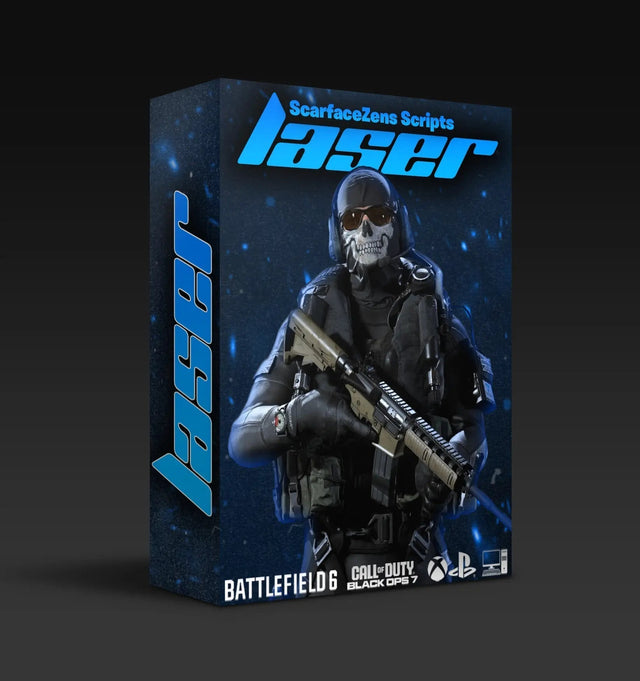
Laser Elite is our Call of Duty script for Black Ops 7 and Warzone. It runs per-weapon anti-recoil, full auto weapon detection and 20+ mods, with lifetime updates free for everyone who already owns it. At time of writing it's $49.99, down from $58.99, rated 4.9 out of 5 from 625 reviews.
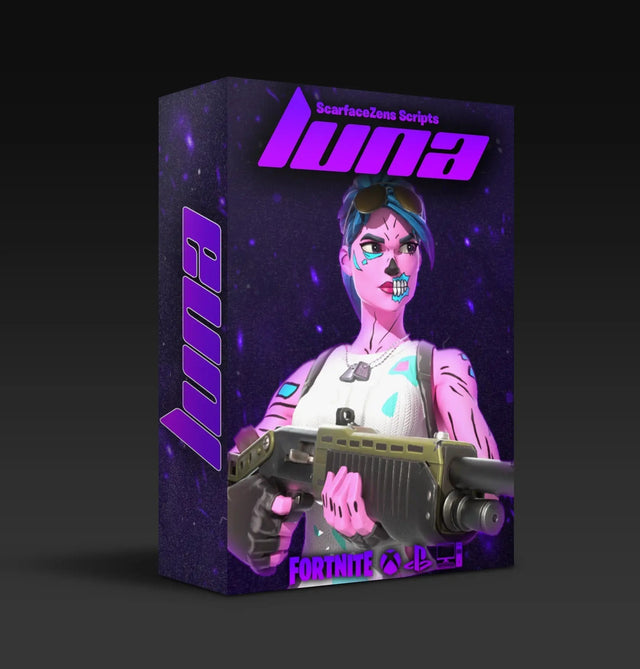
Fortnite players run Luna Elite, with sticky aim assist, anti-recoil, three edit macro modes and an on-screen menu, also $49.99 at time of writing. Both come with instant delivery, guided setup and a store trusted by 4,000+ customers worldwide. See every game we cover in the full Cronus Zen scripts collection, or read how the right Cronus Zen scripts for your game compare.
Cronus Zen error code FAQ
Does a hard reset delete my scripts?
A hard reset takes the Zen back to factory settings. Scripts can't be backed up directly from the device, so keep your own copies before you reset. Reload them into your slots afterward.
Why does my Zen say Firmware 0.0.0?
A previous firmware update got interrupted, which left the firmware corrupted. Run the update again from the start in Chrome or Edge. Keep the cable still until the lights cycle and the logo appears.
Can a bad USB cable cause E3002?
Yes, faulty cables and loose connections are one of the listed triggers. Test the cable by plugging your controller straight into the console or PC. If it drops out there too, replace the cable.
What if E3002 only happens with one script?
Then the script is the likely cause, not your Zen. Contact the person or store that made it and ask whether it matches your firmware version. If they can't answer, that tells you the script isn't being maintained.
Our flagship scripts.
Luna Elite, Laser Elite, Nets and Scar-Rust. One purchase each, with free updates for life.
Browse the scripts