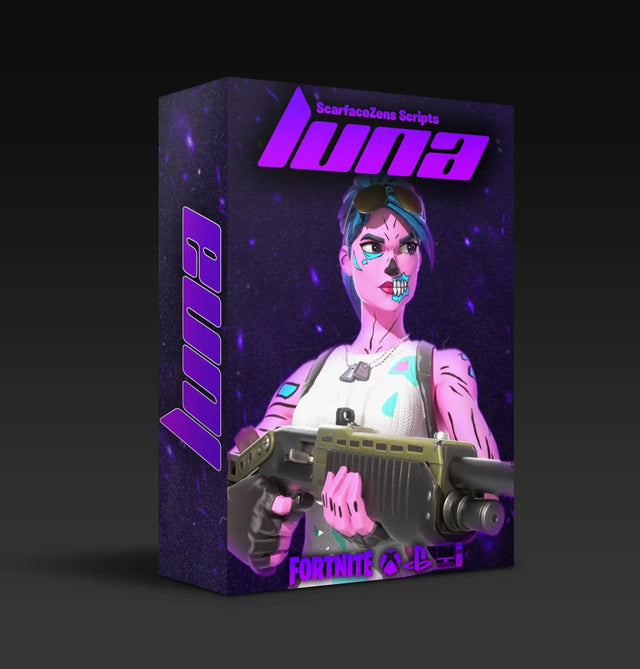
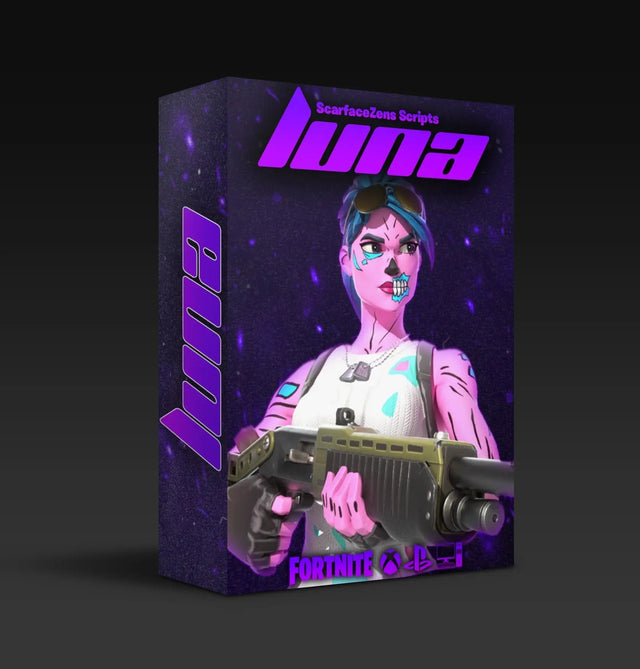
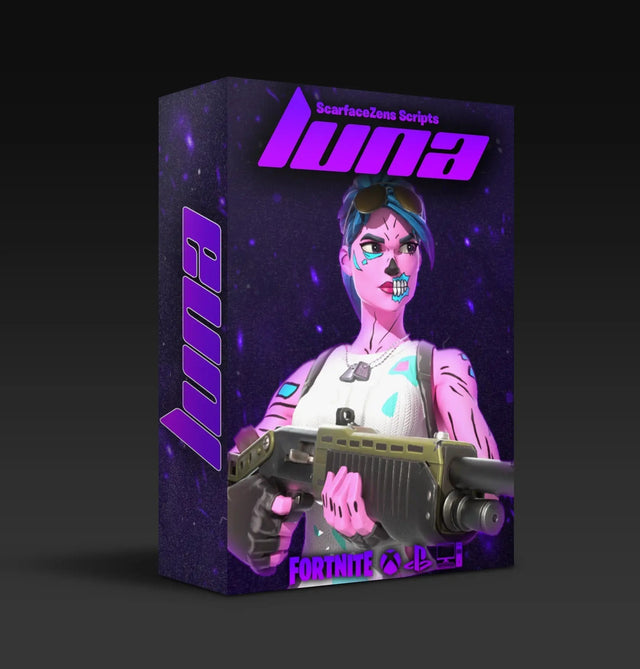
Best Fortnite Cronus Zen Script for PS5 Players
The best Fortnite Cronus Zen script for PS5, what Luna Elite does on a DualSense, and the PS5 settings that make it feel right from match one.
 ScarZens Team
Nov 22, 2026
8 min read

You are on PS5, you have a Cronus Zen, and you want the Fortnite script that actually holds up in a real fight on a DualSense. Most listings you will find are a file on a marketplace with a PS5 logo pasted on and nobody behind it when Epic patches the game.
The short answer: Luna Elite, our Fortnite Cronus Zen script, is the one to run on PS5. It is built for Chapter 7's aim system, ships with tuned defaults, runs on PS5 and PS4, and gets free updates for life. It is $49.99 USD at time of writing, down from $58.99, and the product page sits at 4.9 out of 5 from 903 reviews with 2,500+ Luna players.
See everything Luna Elite does on your PS5 →
What makes a Fortnite Zen script good on PS5?
The script itself does not care which console it runs on. What changes on PS5 is how the Zen talks to the console and how your controller is configured, and a lot of "script feels off" complaints are really those two things.
So judge a PS5 Fortnite script on four things:
- Tuned for the current aim system. Fortnite has reworked controller aim before, and a file built for an older system feels sticky or floaty even when nothing is broken.
- Works on defaults. If you need an hour of value tweaking before it feels right, it is the wrong script.
- Adjustable without a PC. You want to change settings from the controller between matches, not by dragging your Zen back to a computer.
- Maintained. Someone has to retune it every time Epic changes how aim feels, and you should not pay again when they do.
Luna Elite clears all four. For the wider comparison across every platform, our guide to the best Fortnite Cronus Zen script covers the full buying decision.
What does Luna Elite do on a PS5?
Straight from the live product page, here is what you get once it is flashed to your Zen:
| Feature | What it does in a fight |
|---|---|
| Boosted aim assist | Stronger, smoother tracking with a choice of Linear or Exponential curves |
| Edit macro | Three modes, with the speed set by you |
| Anti-recoil | Keeps AR and SMG sprays flatter so more of the magazine lands |
| Rapid fire | Kicks in when you pull the trigger |
| Pickup and crouch macros | Faster looting and quicker crouch spam |
| Hair triggers | Shots fire on a lighter pull |
| On-Zen menu | Tune everything from the controller, and it all pauses while you are in a menu |
You can also change any bind and restyle the Zen's screen. That on-Zen menu is the feature PS5 players end up valuing most, because the Zen stays plugged into the console and you never need a PC to adjust a value mid-session.
The aim curve choice matters on a DualSense too. If you already play on Exponential in Fortnite, keep Luna on Exponential so the boosted tracking matches the stick feel your thumbs already know.
Do you need a Zen LINK for Fortnite on PS5?
For the full plug-and-play PS5 experience, yes. Cronus's official PS5 page says the Zen supports the PS5, PS5 Digital Edition and PS5 Pro natively, with both the standard DualSense and the DualSense Edge, but full native support runs through the Zen LINK Wi-Fi module, which is sold separately.
Without a Zen LINK, Cronus notes the controller drops its connection to the PS5. The old unofficial workaround that skipped the Zen LINK is listed as no longer supported, so the Zen LINK is the route Cronus itself recommends.
Here is what the Zen LINK adds, per the Cronus docs:
- Rumble and haptic feedback
- Adaptive triggers
- Touchpad gestures and the gyroscope
- Wired headset audio, plus the DualSense speaker and mic over USB
Haptics and adaptive triggers stay intact, so your DualSense still feels like a DualSense while Luna Elite handles the aim layer. Our Zen LINK PS5 setup walkthrough covers the hardware side step by step.
Which ports does the PS5 setup use?
Per the official Zen LINK guide, the Zen's CONSOLE/PC USB port goes to the PS5 with a short cable. The Zen LINK plugs into the Zen's A1 port and your controller into A3.
Bluetooth pairing to the Zen is possible too, though you lose the audio features that way. Plug the controller in by cable if you use a wired headset.
Which PS5 settings should you check first?
Cronus lists a handful of console settings to change before using the Zen with a Zen LINK. Getting these right is what makes Luna feel smooth from the first match, so do them once and forget them.
- Turn on Console Sharing and Offline Play under Users and Accounts.
- Enable Remote Play, and make sure your PS5 has a name under Console Information.
- In Power Saving, stop the console entering Rest Mode during games, keep USB ports powered always, and set controllers never to turn off.
- In the controller settings, set Communication Method to the USB cable option and switch Bluetooth off.
One side effect worth knowing: with Bluetooth off at the console, the PS button on your controller will not wake the PS5. Turn the console on from the front instead. The full list, including network tips, is on Cronus's official Zen LINK PS5 guide.
Get Luna Elite and take smoother tracking into your next PS5 match →
Does Luna Elite work with a DualSense Edge?
Yes. The DualSense Edge is on Cronus's supported controller list for PS5, and Luna Elite runs on it like any DualSense.
The one thing to do first comes from the Cronus docs. Create a custom Edge profile, set the right stick curve to Default, and set both curve adjustment and deadzone adjustment to zero.
Stacking the Edge's own stick curves on top of a script changes what the script is reacting to. With a clean profile, Luna's tuned defaults land exactly as designed, and the back paddles are still yours to bind for building and editing.
How do you get Luna Elite onto your Zen?
This is the part that stops most first-time buyers, and it is quicker than it looks. The product page says most people are playing within five minutes:
- Check out, then join the ScarZens Discord from the link in your confirmation email.
- Redeem your order with the Discord bot, which unlocks the ScarZens loader and setup guides.
- Flash your Zen from Chrome or Edge on a computer, in about 30 seconds, with no Zen Studio needed.
- Plug the Zen back into your PS5 and load into Creative for a quick test.
Luna ships tuned, so there is nothing to configure before your first match. If your in-game sensitivity is unusual, fine-tune the aim assist a step or two from the on-Zen menu and you are set.
Stuck on a step or want to compare values with other PS5 players? Our 30,000+ member Discord has 24/7 setup help and Luna-specific channels, and the admin team answers any hour.
Is Luna Elite worth it for PS5 players?
The honest comparison is against free files. A free Fortnite script gets posted once, and when Epic changes aim behavior nobody retunes it and nobody answers your question.
Luna Elite is pay once with every future update free for life. When a Fortnite patch changes how aim feels, the team retunes it and posts the new build in Discord, and the next chapter's build is covered by the same purchase.
Listings sold elsewhere are not authorized and do not get those updates or support. If a reseller tells you their copy is "undetectable" or "100% ban proof", that is a claim nobody can back, and it is a good sign you are not dealing with the people who actually build the script.
Play other games on the same PS5 Zen?
One Zen handles more than one game, so you load the script that matches what you are playing tonight. If Call of Duty shares your week, Laser, our MW4 Cronus Zen script, has per-weapon anti-recoil for all 28 MW4 launch guns, and with a PlayStation controller on PS5 the right profile loads the moment you fire. Laser BO7 is included at no extra cost, and it is $49.99 USD at time of writing.
Rust Console players get the same deal with Scar-Rust, which runs plug-and-play anti-recoil across the full weapon list, also $49.99 USD at time of writing. If you want the PS5 and Xbox story side by side for Fortnite, read our guide to the best Fortnite script for console.
Fortnite Cronus Zen script PS5 FAQ
What is the best Fortnite Cronus Zen script for PS5?
Luna Elite. It is built for Fortnite Chapter 7, runs on PS5 and PS4 through the Cronus Zen, and works on tuned defaults straight after flashing. Free lifetime updates keep it current when Epic patches aim.
Does Luna Elite work on PS4 as well as PS5?
Yes. The product page lists PlayStation 4 and 5, Xbox, PC and Nintendo Switch 1. Switch 2 is not supported.
Do I need a PC to use Luna Elite on PS5?
You need a computer with Chrome or Edge to flash the script to your Zen, which takes about 30 seconds. After that the Zen lives on your PS5, and you tune Luna from the on-Zen menu with your controller.
Do I keep haptics and adaptive triggers?
Yes, when you run the Zen LINK. Cronus lists rumble, haptic feedback and adaptive triggers among the DualSense features the Zen LINK supports on PS5.
How fast do I get Luna Elite after buying?
Instantly. You redeem your order with the bot in the ScarZens Discord and the download unlocks in seconds, along with the loader and setup guides.
PS5 Fortnite rewards whoever tracks cleaner through a build fight, and Luna Elite exists to make that your edge on a DualSense. Pick it up, flash it once and take it into Creative tonight.
Our flagship scripts.
Luna Elite, Laser Elite and Scar-Rust. One purchase each, with free updates.
Browse the scripts