Cronus Zen Not Working on Xbox? Series X Fix Guide
Your Zen works on PS5 but sits dead on the Series X. Here is the port, firmware and output protocol checklist that actually fixes it.
 ScarZens Team
Sep 30, 2026
8 min read
ScarZens Team
Sep 30, 2026
8 min read

Your Zen works fine on PS5, then you move it to the Series X and the controller sits there dead. The screen is on, Zen Studio sees the device, and the console acts like nothing is plugged in. Xbox is where the Zen is fussiest, and it is almost always one of four things.
Work through it in this order: get the firmware to 2.2.14 or later, set the Emulator Output Protocol to XBOX ONE X/S in Zen Studio, put an official wired Xbox controller in the A1 port, then tap the Zen's reset button. Xbox checks controller credentials in a way PlayStation does not, so the Zen needs a licensed Xbox pad in A1 whether or not that is the controller you actually hold. Get those four right and most Xbox problems vanish before you touch anything else.
Get a COD script tuned for Xbox controllers →
Why does the Cronus Zen act differently on Xbox?
Xbox consoles verify that a connected controller is licensed hardware before accepting input from it. The Zen satisfies that check by passing an official Xbox controller's credentials through, which is why the documentation is specific about A1 rather than treating the front ports as interchangeable. PlayStation has no equivalent requirement, so a setup that worked yesterday can look broken the moment you carry it across.
That one difference explains most of what gets reported as a dead Zen on Xbox. The other frequent causes are stale firmware, the wrong output protocol, and a controller that is not charged. None of them produce a useful message on the screen, which is why guessing takes so long.
What goes in which port on Xbox?
The Zen has a PROG port at the back for the PC connection and three A ports at the front for your input devices. Getting these wrong is documented as a leading cause of failed setups, and the Xbox assignments are not the same as on other platforms.
| Port | What goes there on Xbox |
|---|---|
| PROG | USB cable to your PC for firmware and Zen Studio |
| A1 | Official wired Xbox Series X or S controller, always |
| A2 | Secondary device, or the pad during wireless pairing |
| A3 | Primary third-party device, or the Xbox Wireless Adapter |
Running a crossover setup, a DualSense on an Xbox for example, does not change the A1 rule. The pad you actually hold goes in A3, and a licensed Xbox controller still has to occupy A1. People skip that second half constantly and then conclude the Zen cannot do crossover at all.
Our breakdown of which Cronus Zen USB port does what covers the full assignment for every platform. Read it once and you stop guessing for good.
Xbox Cronus Zen fix checklist
Run these in order and stop when it works. Most people are done by step three.
- Check your firmware version. Xbox Series X and S support is documented against firmware 2.2.14 or later paired with Zen Studio 1.6.1 Build 82, so anything older is a coin flip. Our Cronus Zen firmware update guide walks through the current method, which is not the one in older videos.
- Set the output protocol. In Zen Studio's device panel, set Emulator Output Protocol to XBOX ONE X/S for a Series X or Series S. Left on a PlayStation protocol, you get a Zen that powers up and does nothing.
- Move your controller to A1. An official wired Xbox controller belongs in A1 and nowhere else. Third-party pads go in A3 with a licensed Xbox controller still sitting in A1.
- Charge the pad first. Controllers do not reliably charge through the Zen, so one you left connected overnight can be flatter than when you started. Fresh batteries or a full charge before a session removes a whole category of mystery dropouts.
- Tap the reset button. The small reset button resynchronizes the Zen with whatever is attached, and the documentation says to press it before you start playing. It is the cheapest fix on this list.
- Power cycle properly on an E3002. Pull every USB cable out of the Zen, wait at least ten seconds, then reconnect. If the error returns, a hard reset is the documented next step.
Cable quality deserves its own line. Loose or unsupported USB cables are listed among the main triggers for E3 errors, and a cable that charges a phone perfectly well can still fail here. Swap it before you decide the hardware is faulty.
How do you use a wireless Xbox controller with the Zen?
Bluetooth is not an option for Xbox pads, so wireless here means the Xbox Wireless Adapter v2. Update the controller's own firmware through the Xbox app first, because an out of date pad will fight you the whole way.
- Connect the Zen to your PC through the PROG port and open Zen Studio's device panel.
- Set the Emulator Output Protocol to Auto for this process.
- Plug the wireless adapter into A3.
- Plug the controller into A2 and power it on.
- Wait about five seconds, then unplug the controller. Both sets of LEDs flash and then settle to solid white.
- Tap the Zen's reset button before you start playing.
If pairing holds but drops mid match, the cause is usually radio traffic rather than the Zen. The adapter sits on the 5GHz band, and early Xbox wireless headsets plus a busy router on the same channels will knock it over. Moving your router to a different channel, or onto 2.4GHz, is the documented fix.
Which controllers will not work at all?
Some hardware is listed as incompatible outright, and no amount of port shuffling changes that.
- ThrustMaster ESWAP models
- Unlicensed controllers
- Flight sticks
Wired headset audio through the pad also varies by controller type, so a silent headset is not automatically a broken Zen. The official Cronus Xbox Series X and S page lists the documented matrix. Check it before buying a pad specifically for this.
Which script should you run once the Zen works on Xbox?
A working Zen with nothing loaded on it does nothing useful, and this is where people ask what actually runs on Xbox. Our overview of which Cronus Zen scripts to run for your game covers the range, and all of them work on Xbox.
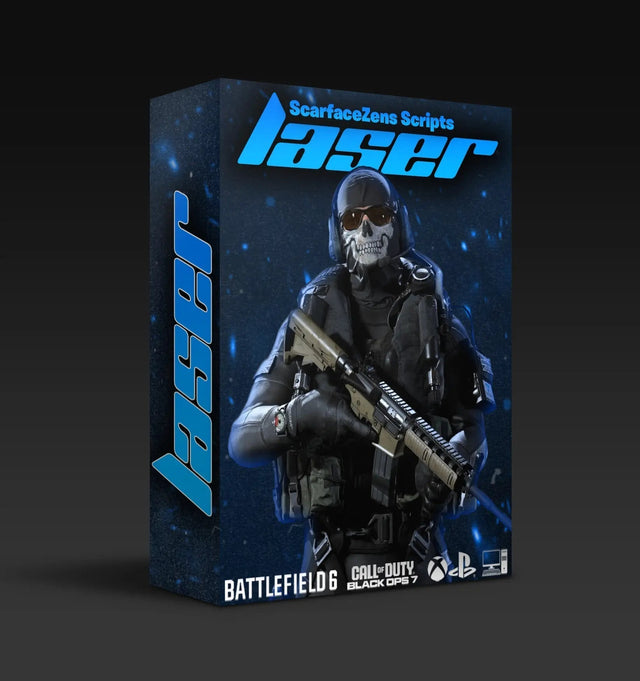
Laser Elite is our Call of Duty script, tuned for Black Ops 7 and Warzone with aim assist boosting, per-weapon anti-recoil, movement mods and gameplay perks. At time of writing it is $49.99, down from a $58.99 compare-at price, and the product page shows 4.9 out of 5 from 625 reviews. It runs on PlayStation 4 and 5, Xbox and PC.
The honest caveat for Xbox players is the automatic weapon detection. That feature works from a PS5 controller, so on Xbox you get a manual gun picker instead of the script reading your loadout for you. It costs one extra input per weapon swap, and the product page states this plainly rather than burying it.
Set up Laser Elite on your Series X →
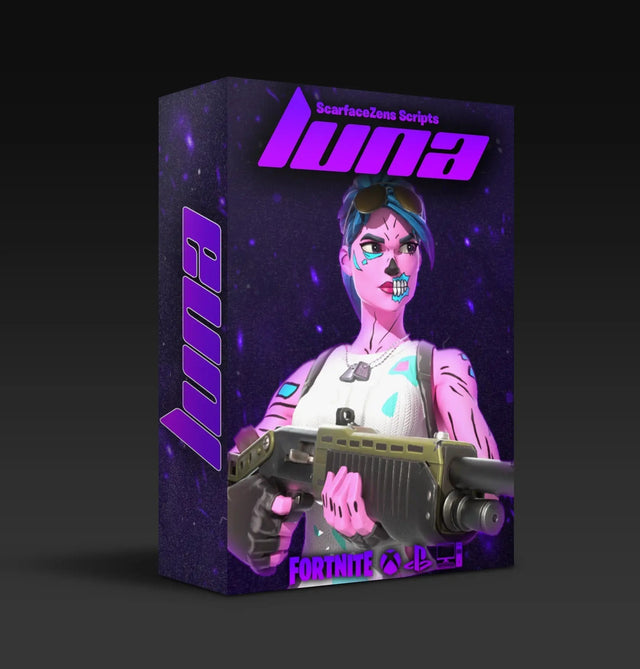
For Fortnite, Luna Elite is built for Chapter 7's aim system and lists PlayStation 4 and 5, Xbox, PC and Nintendo Switch 1. It is also $49.99 at time of writing and shows 4.9 out of 5 from 903 reviews. Rust Console players on Xbox want Scar-Rust instead, at the same $49.99 at time of writing.
The store lists 4,000+ customers worldwide across the range, and all four scripts sit in the ScarZens script collection if you want to compare them. If your Xbox setup still refuses after the checklist, you can get Xbox setup help from 30,000+ players in the ScarZens Discord, where people post the exact port and protocol combination that worked on their console revision.
Cronus Zen Xbox FAQ
Does the Cronus Zen work on Xbox Series X and Series S?
Yes, both are supported. The documented requirements are firmware 2.2.14 or later, Zen Studio 1.6.1 Build 82, and the Emulator Output Protocol set to XBOX ONE X/S. An official Xbox controller also has to be connected to the A1 port.
Why is my Xbox controller not detected by the Cronus Zen?
The usual cause is the pad sitting in A2 or A3 instead of A1. Official wired Xbox controllers belong in A1, and third-party pads go in A3 with a licensed Xbox controller still occupying A1. A flat controller and a loose USB cable are the next two suspects.
Can I use a wireless Xbox controller with the Cronus Zen?
Yes, with the Xbox Wireless Adapter v2 in the A3 port. Bluetooth is not supported for Xbox pads, so the adapter is not optional. Pair by plugging the controller into A2 for about five seconds, then unplug it and tap the Zen's reset button.
What does the E3002 error mean?
It signals a system crash, and the documented first step is to unplug every USB cable from the Zen for at least ten seconds before reconnecting. If it comes back, do a hard reset. Faulty cables, an incompatible device and hardware in the wrong port are the listed triggers.
Do I need a PC to use the Cronus Zen on Xbox?
You need one once, to set the output protocol and bring the firmware current through the PROG port. After that the Zen runs standalone on the console. Script tuning happens on the Zen's own screen rather than back at a desk.
The short version
Xbox has one rule the other platforms do not, and it is a licensed Xbox controller in A1 every single time. Pair that with current firmware and the XBOX ONE X/S output protocol and the Zen behaves itself. Nearly every thread that ends with someone declaring their Zen dead turns out to be one of those three.
Our flagship scripts.
Luna Elite, Laser Elite, Nets and Scar-Rust. One purchase each, with free updates for life.
Browse the scripts